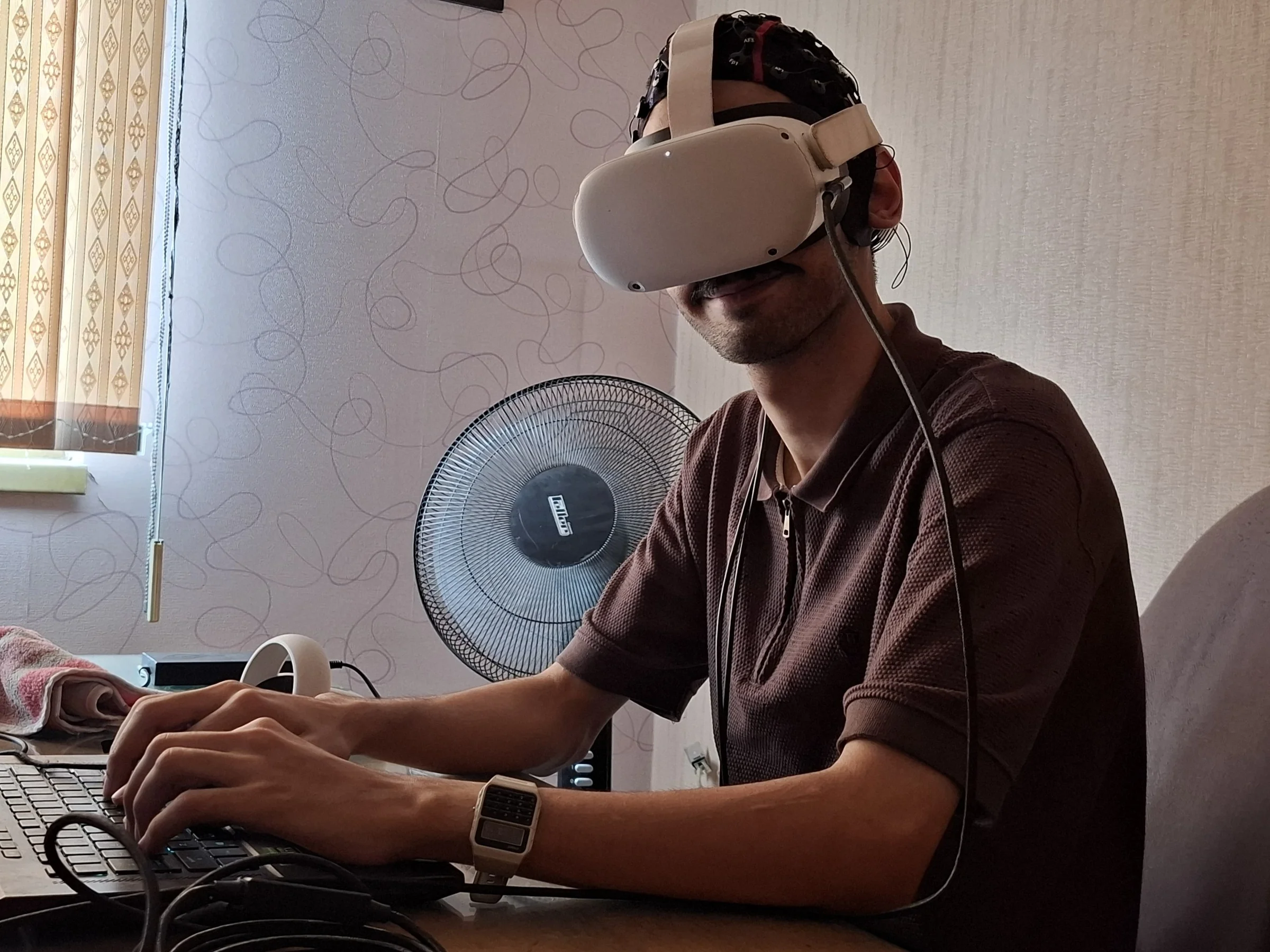
Residence
Hell.
From a question drawn on paper to a design system that can grow, be interrupted, and make architecture.
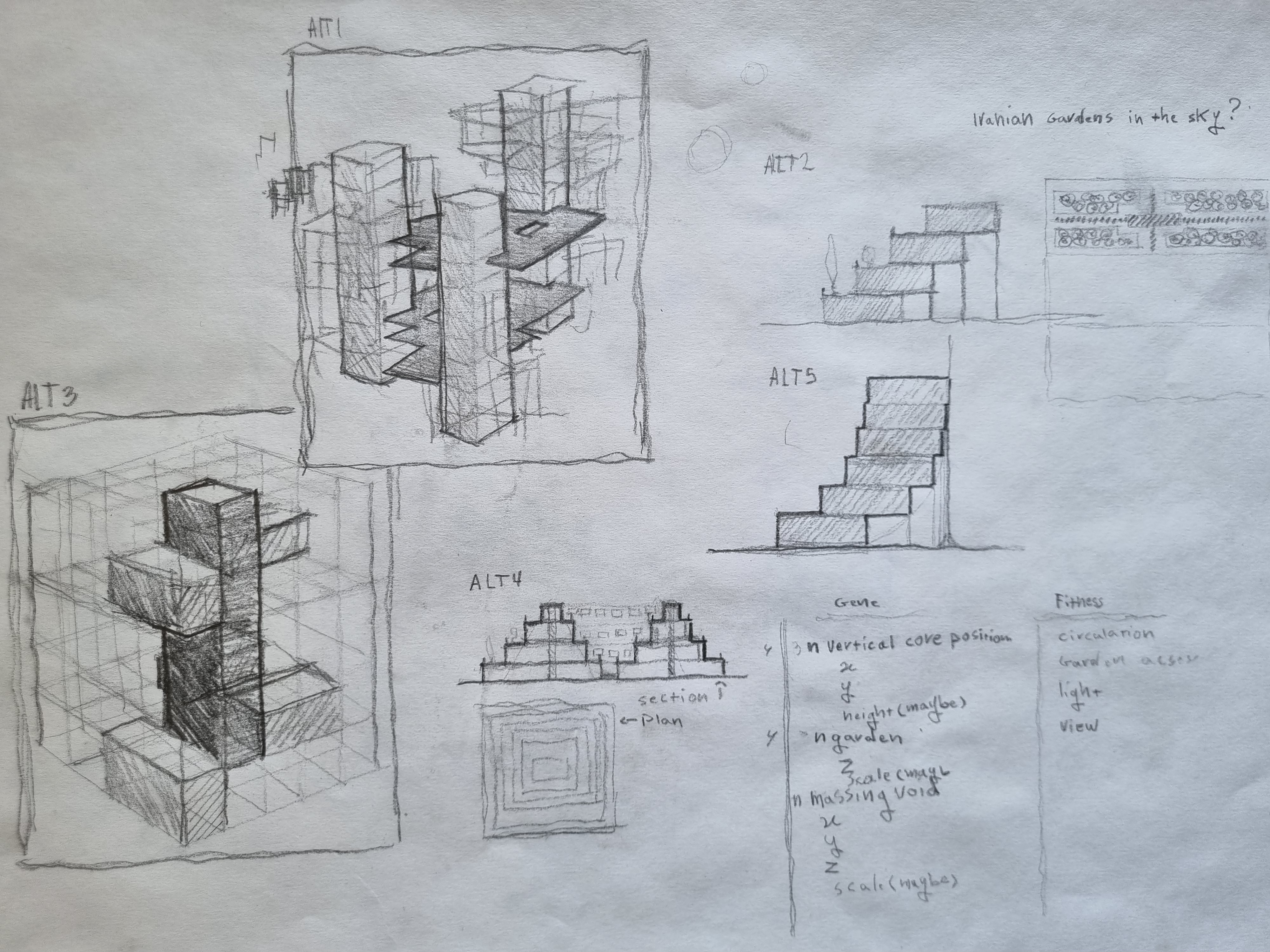
Original residential sketch / May 2026A residential project became a way to test who makes a spatial decision.
The Shahrak Gharb brief began with a site and a housing question. Sketches and Grasshopper experiments asked how households, cores, gardens, light and circulation might affect one another. Residential grew into a workspace for setting rules, watching a run, and changing it while it is still forming.
The records below come from different moments and runs. Captions distinguish the saved Shahrak case, synthetic demonstrations and proposed construction work.
First, see what the system makes.
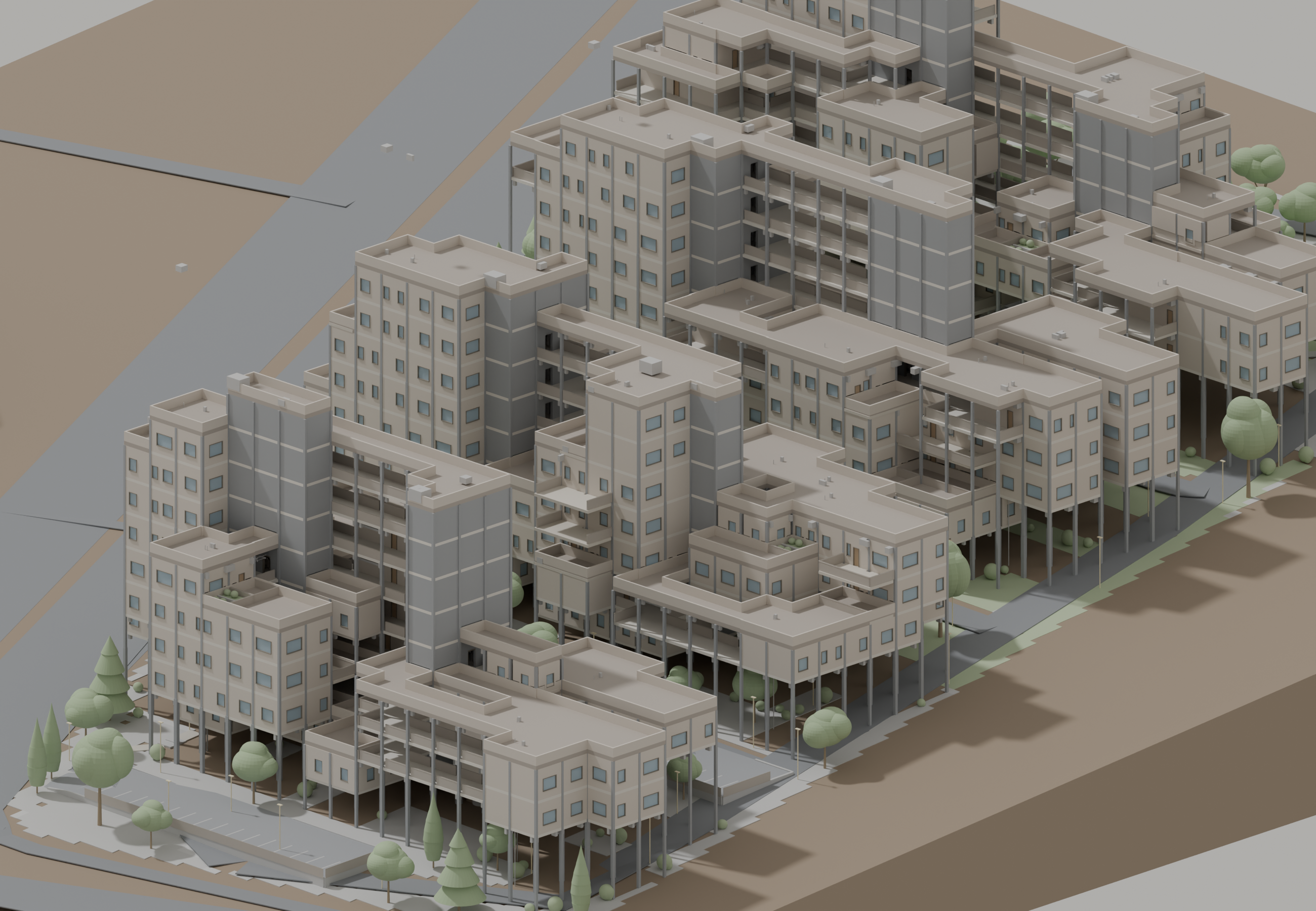
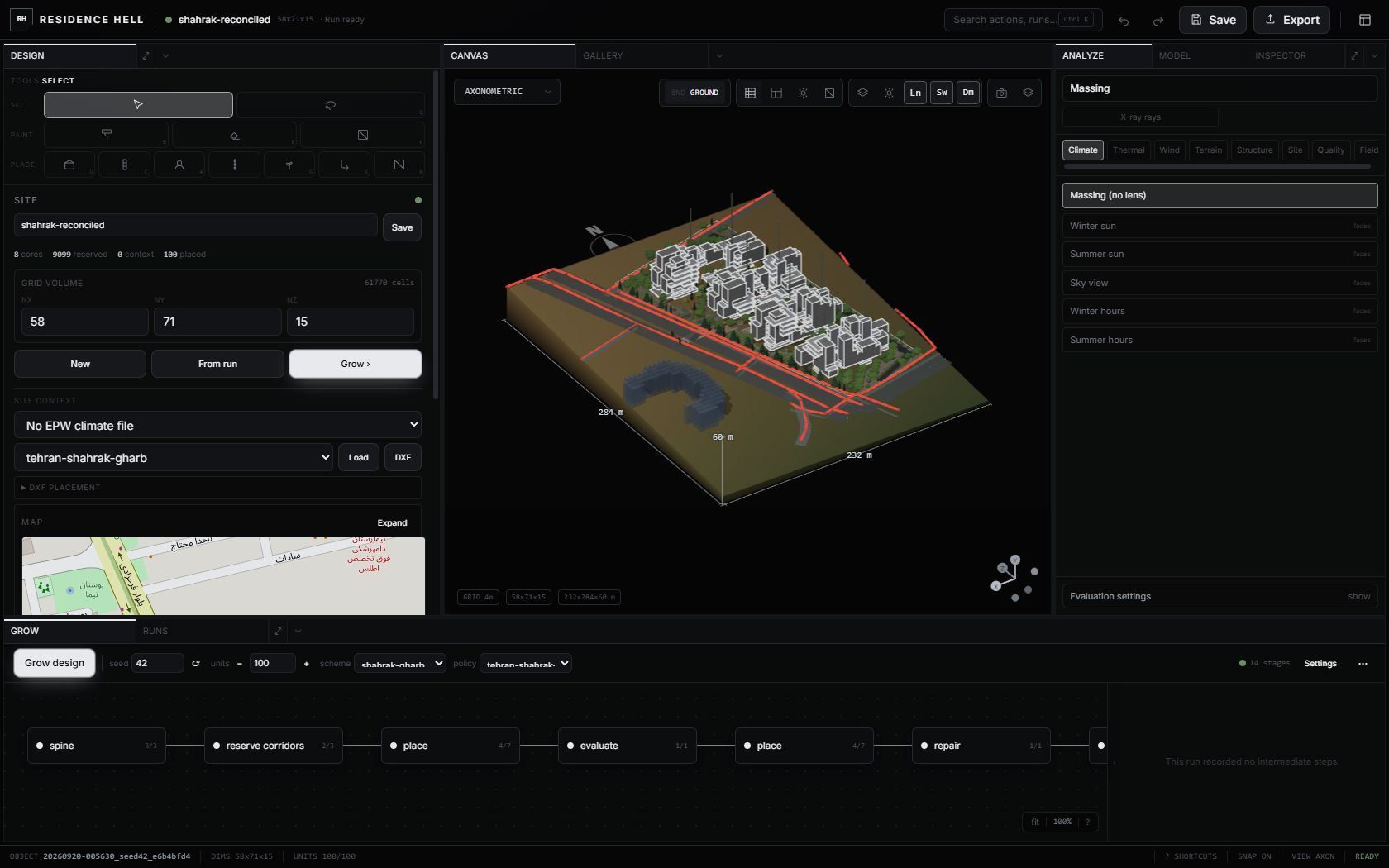
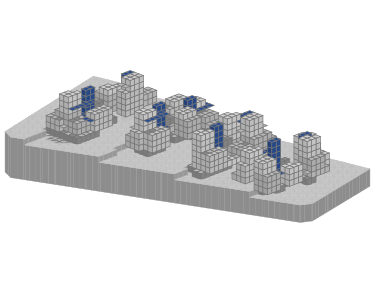
A saved 100-home Shahrak case becomes a spatial model and a working interface. The model image is a render of the recorded case; the screen below is a later live capture of the full application.
Site inputs, model canvas, analysis and the growth programme are visible together. Open the full capture to inspect the controls.
Questions before a generator.
Notebook work, a complete parametric definition, optimization trials and a debugging state show the questions and difficulties that preceded the current workspace.
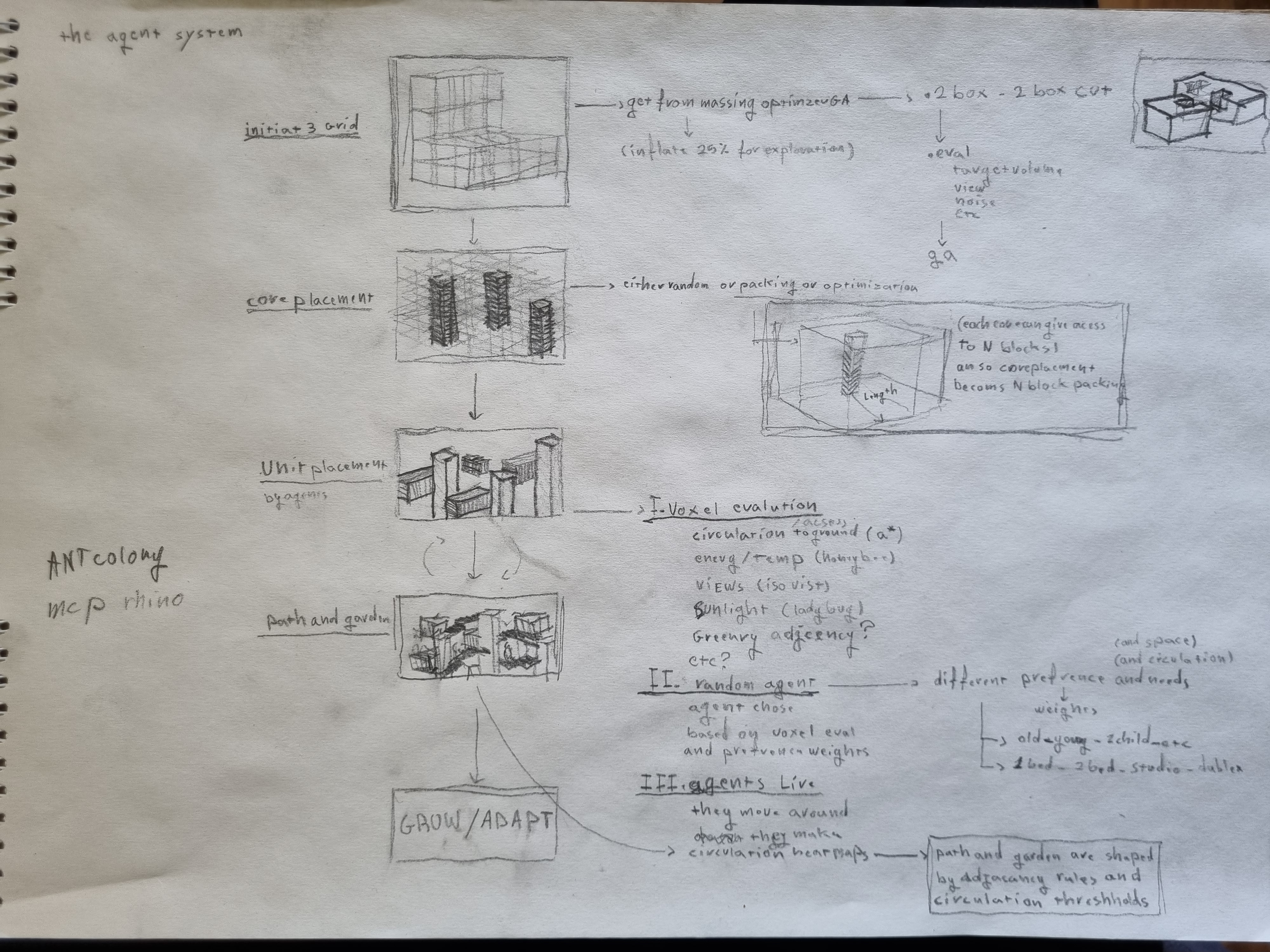
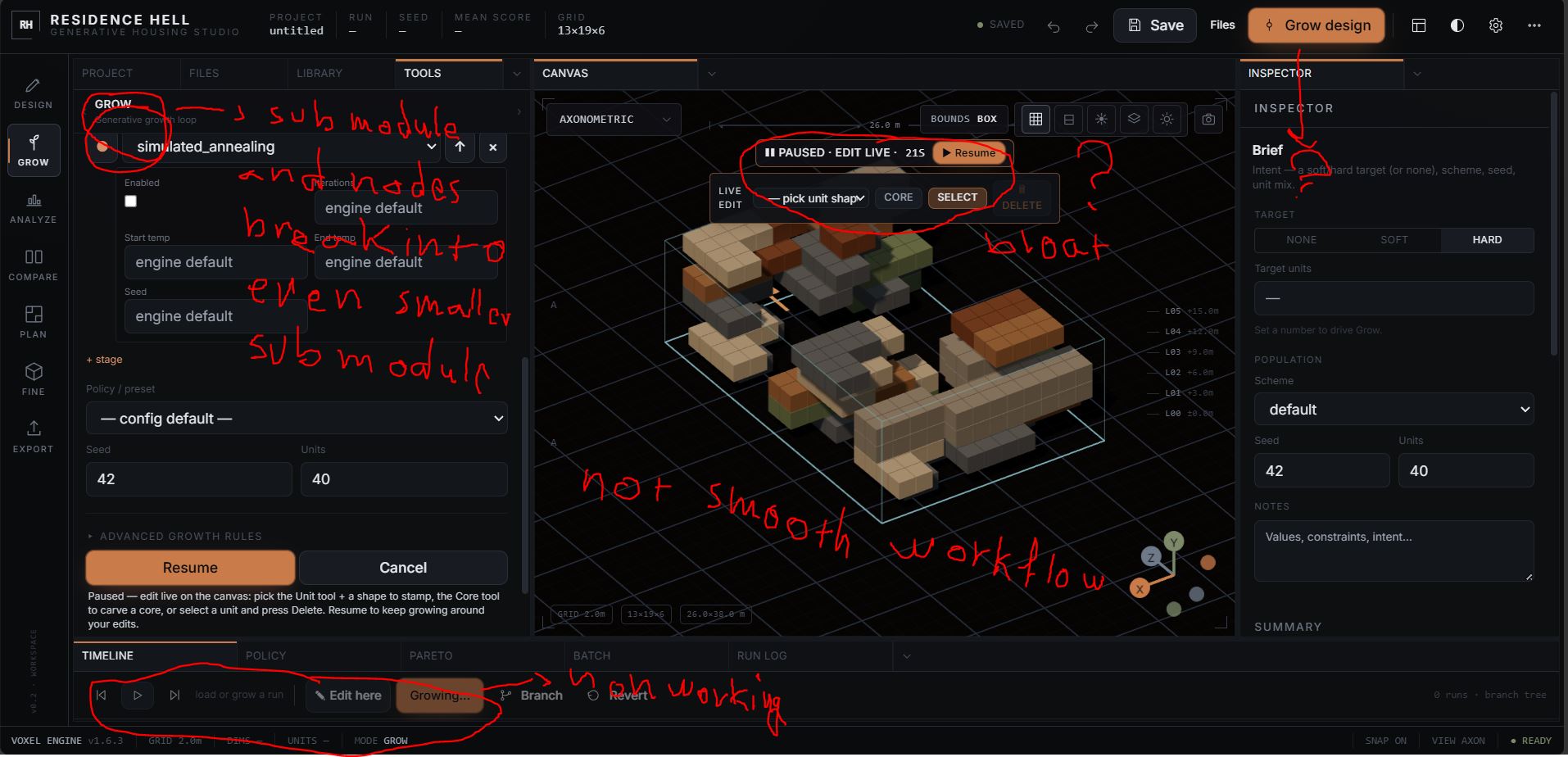
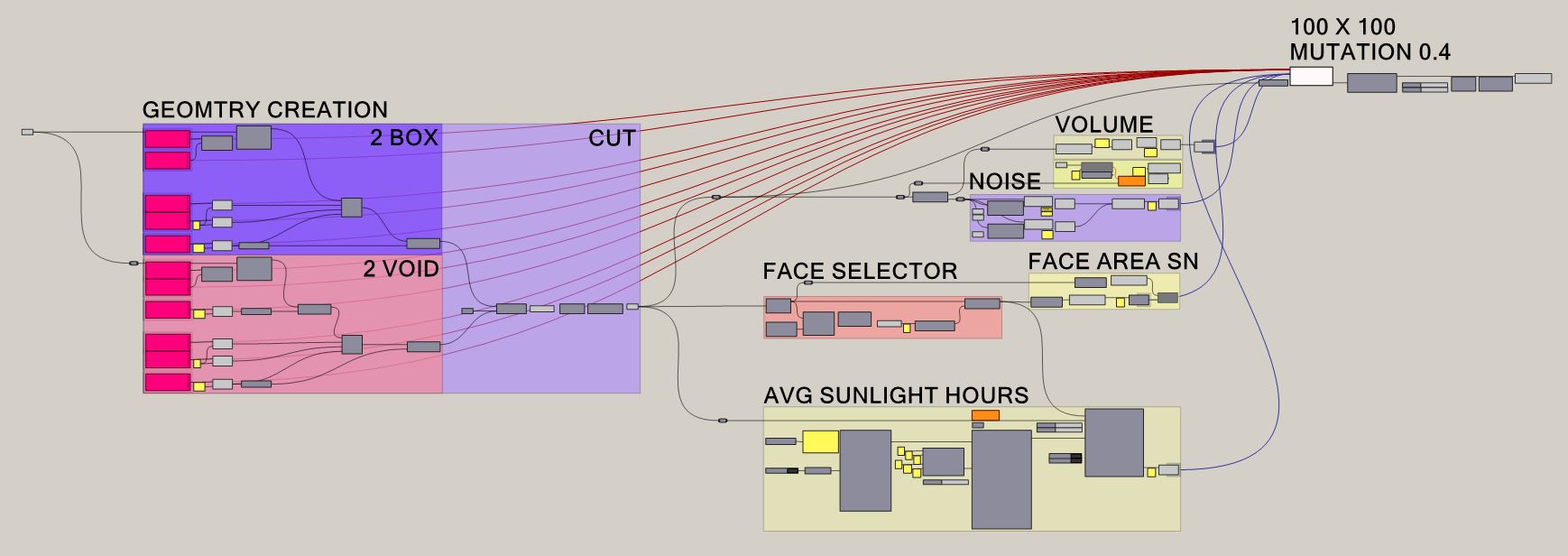
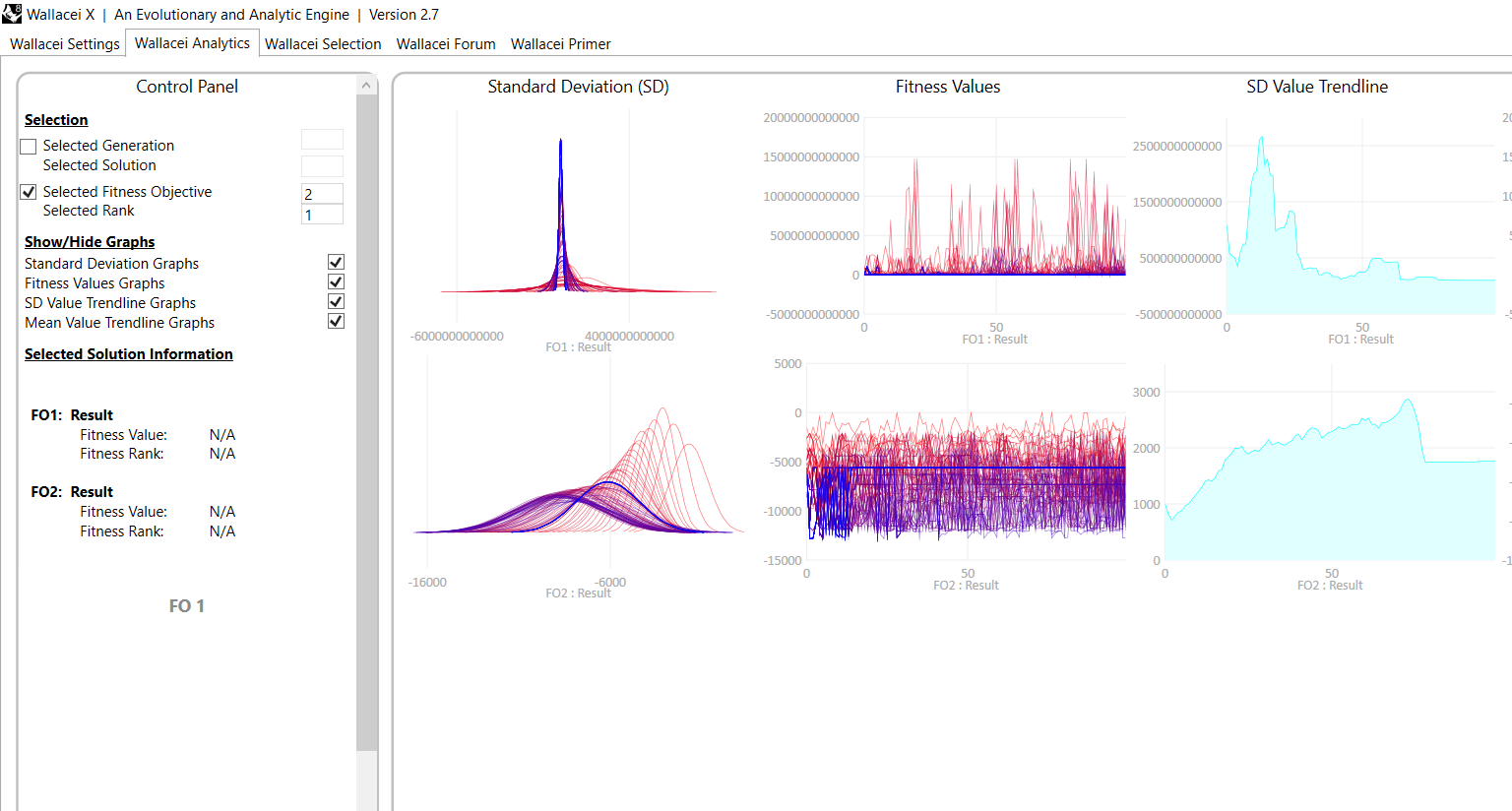
A programme of decisions, with places to intervene.
The saved C01 run did not appear in one step. It placed households, checked stranded agents, built circulation, and added gardens and sitework. These four images are individual saved checkpoints.
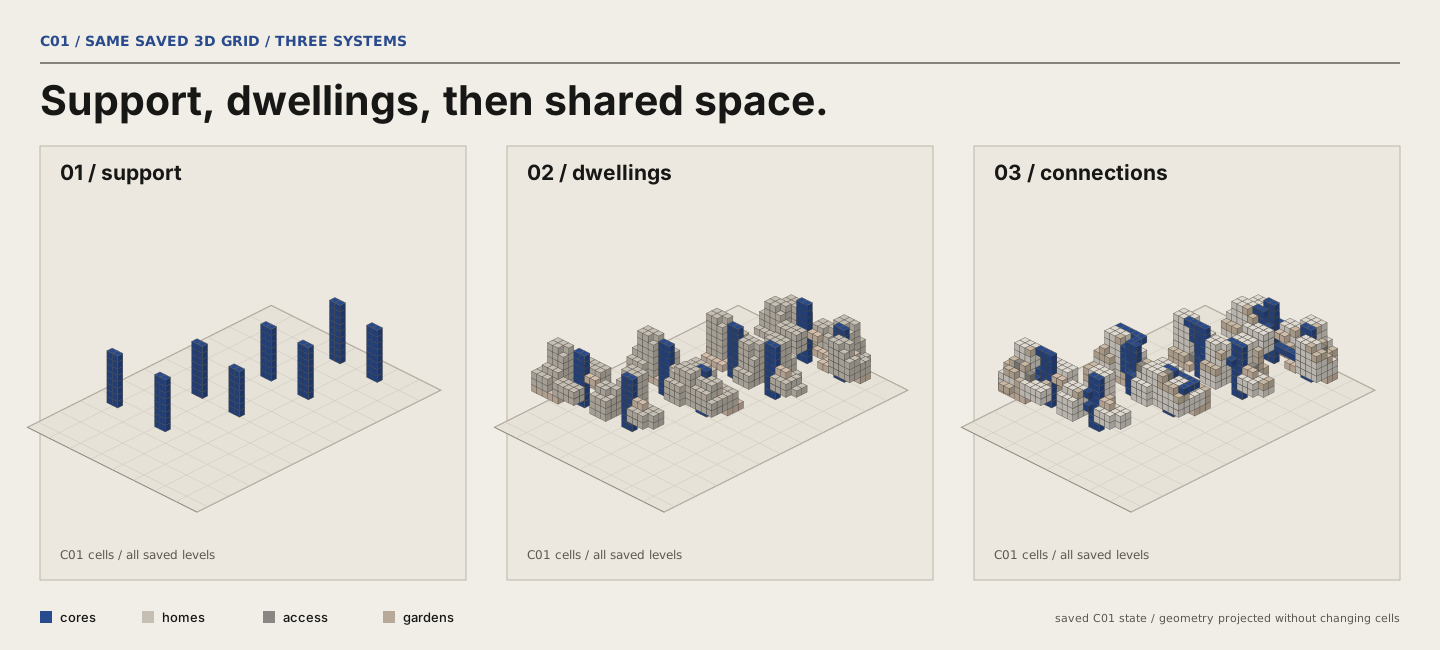
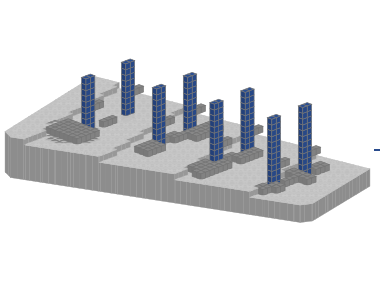
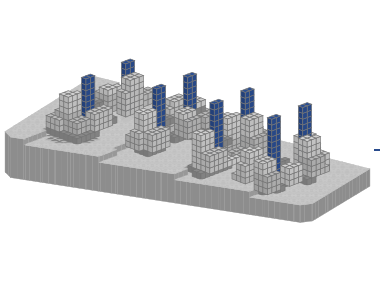
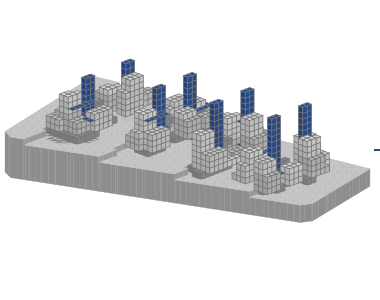
- Neighbourhood blocks
- Reserve corridors
- Place neighbourhoods
- Evaluate
- Circulation
- Stranded-agent check
- Cleanup
- Balconies
- Macro plan
- Gardens
- Sitework
Three valid places for one home.
A replay using C01 checkpoint 6 found 36 valid locations for household 036. Compare the two leading candidates with a third location to see how the placement criteria affect the choice.
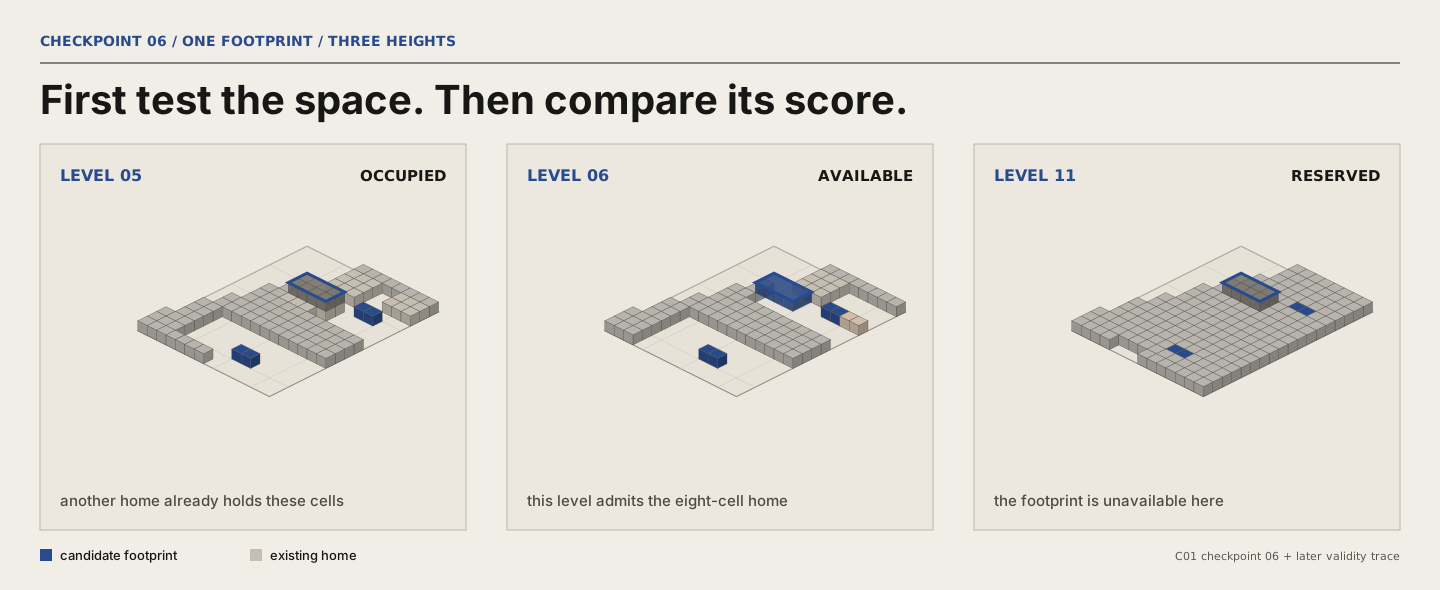
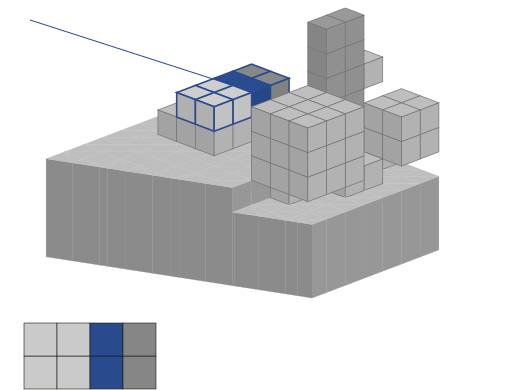
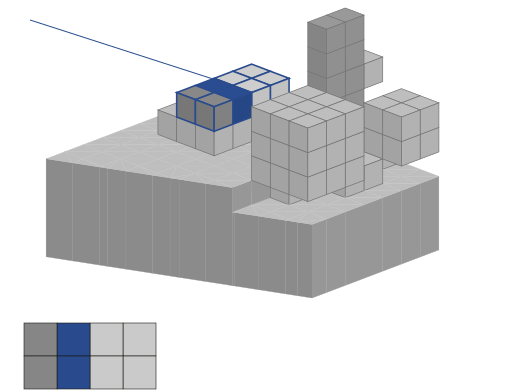
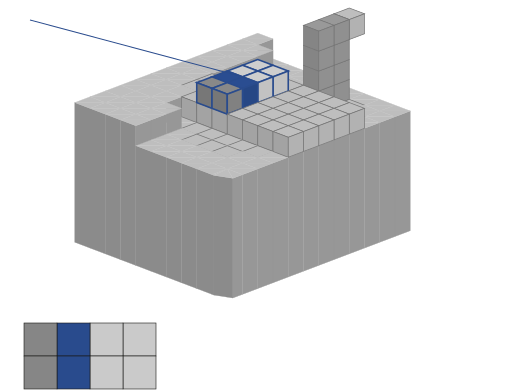
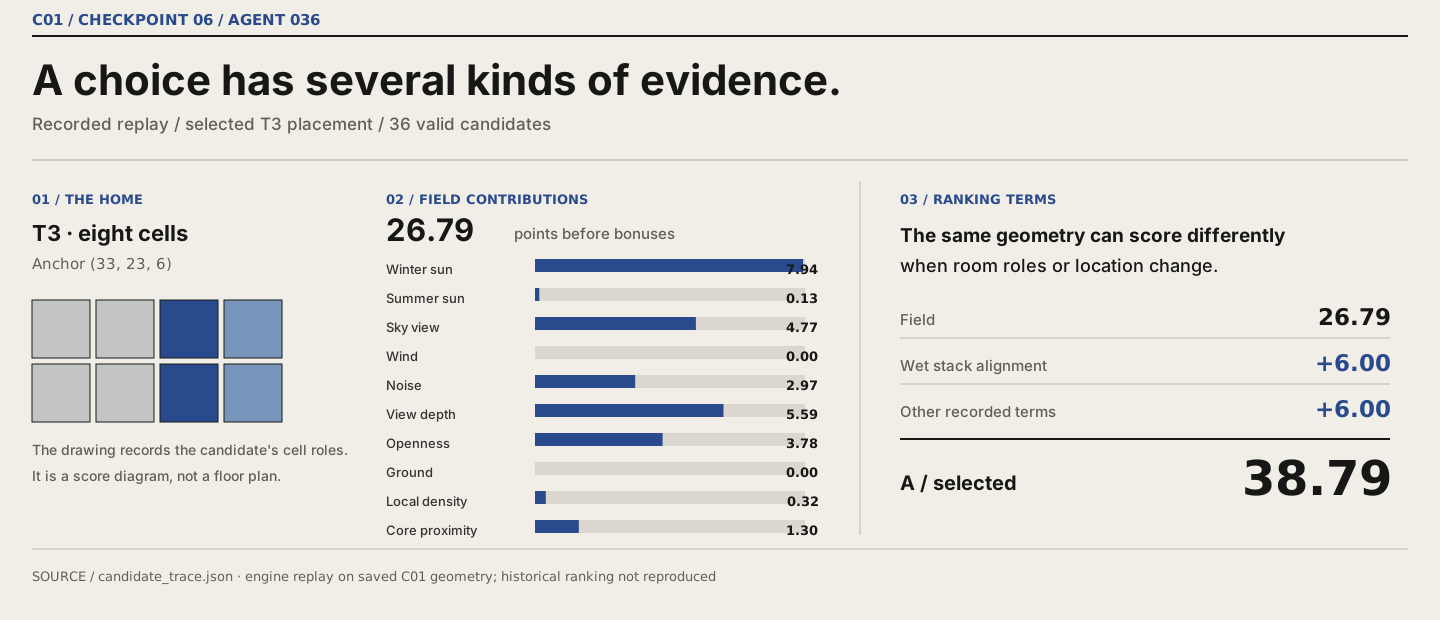
The scores compare candidates within this replay.
Set a brief. Watch it grow. Check the result.
This 14-second sequence uses sampled frames from a live session: set 18 homes and a family-focused scheme on a 13 × 19 × 6 grid, choose the courtyard policy, then grow the model. The policy reserves a central void before placing homes, routing access and adding gardens. Winter and summer sun lenses are inspected afterward. This is a separate software demonstration, not another view of the saved Shahrak case.
Watch a run take shape.
Follow a C01 run through 113 placement states, from the first homes to the assembled neighbourhood.
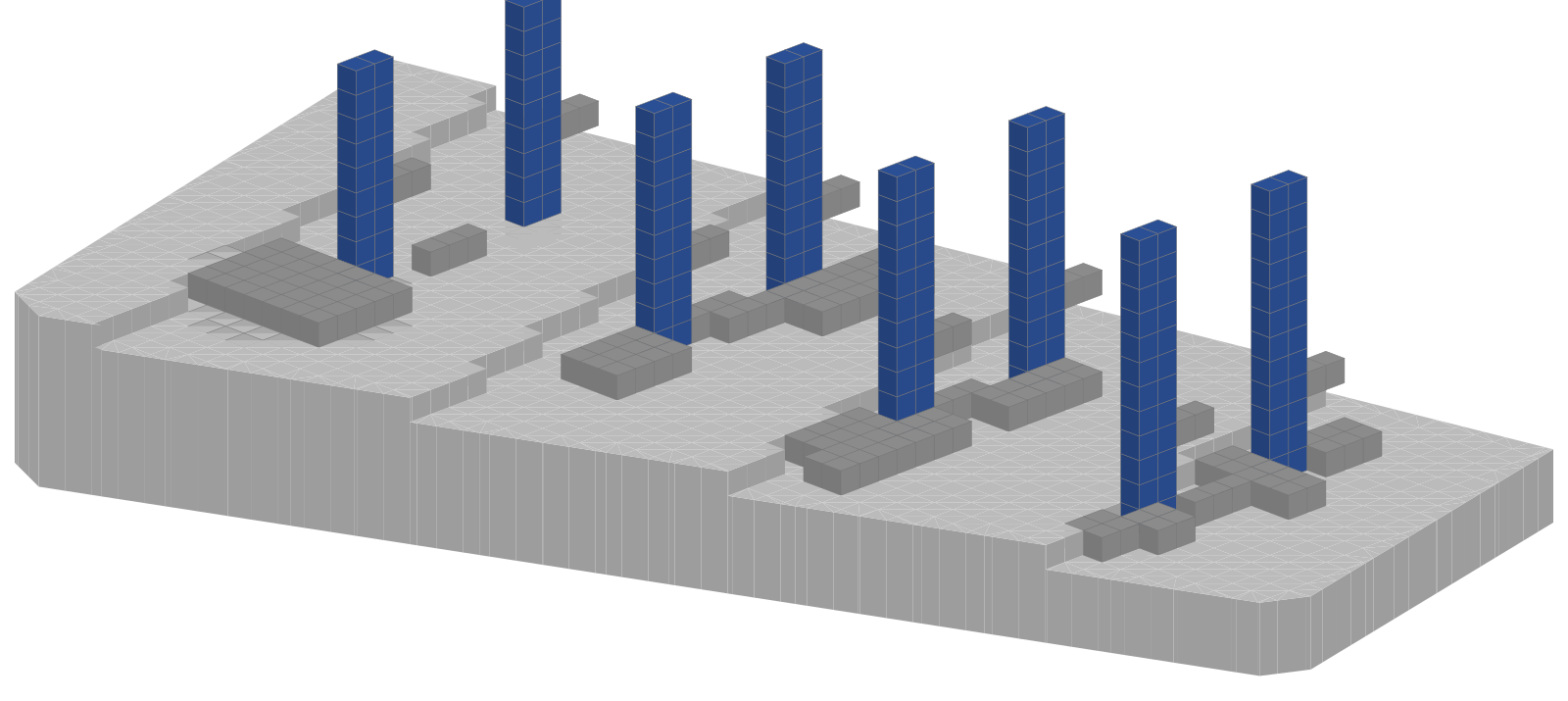
Different inputs, different configurations.
These six saved synthetic requests are compact range samples, not successive C01 frames or outcomes of the Shahrak brief.
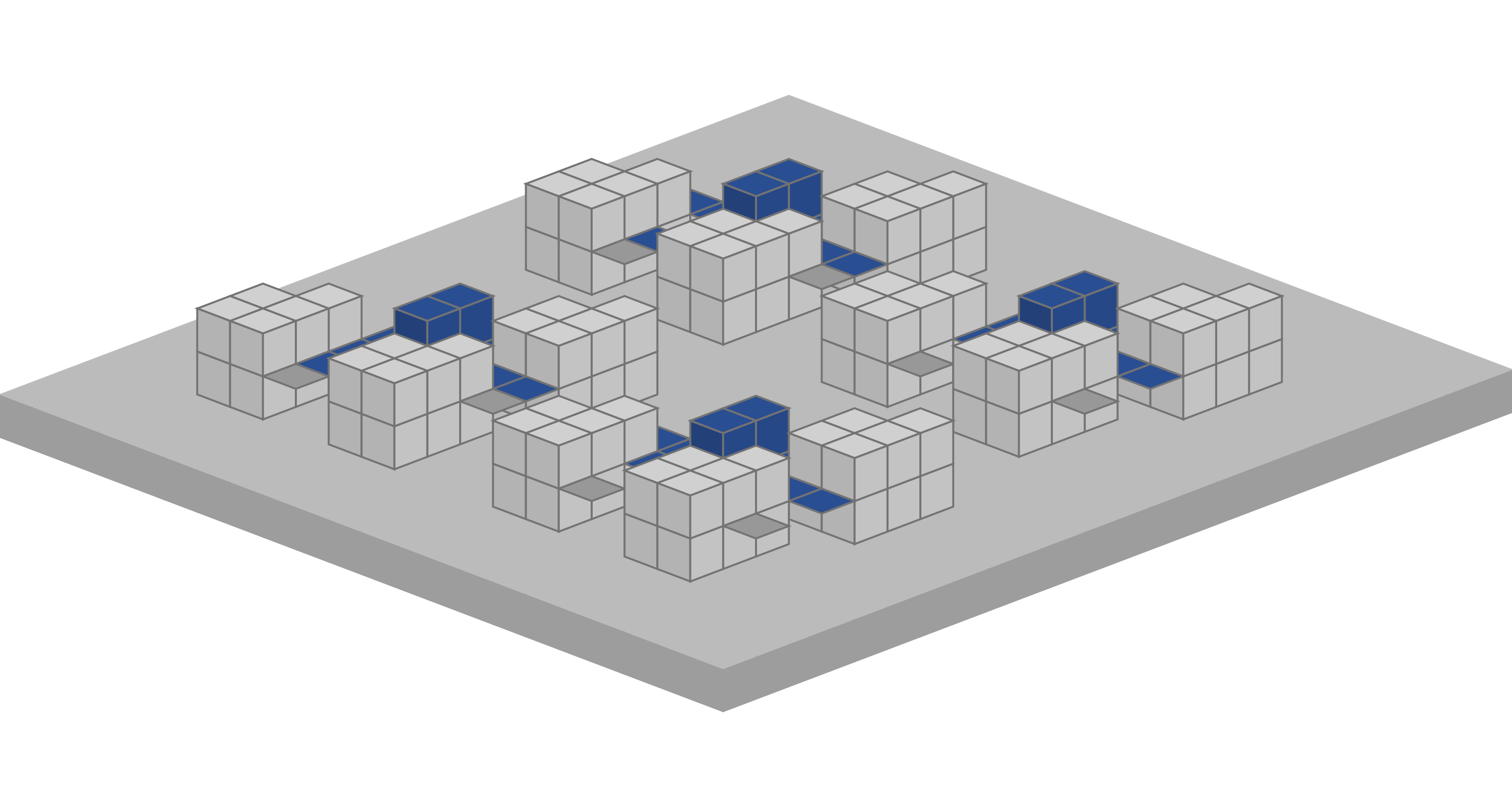
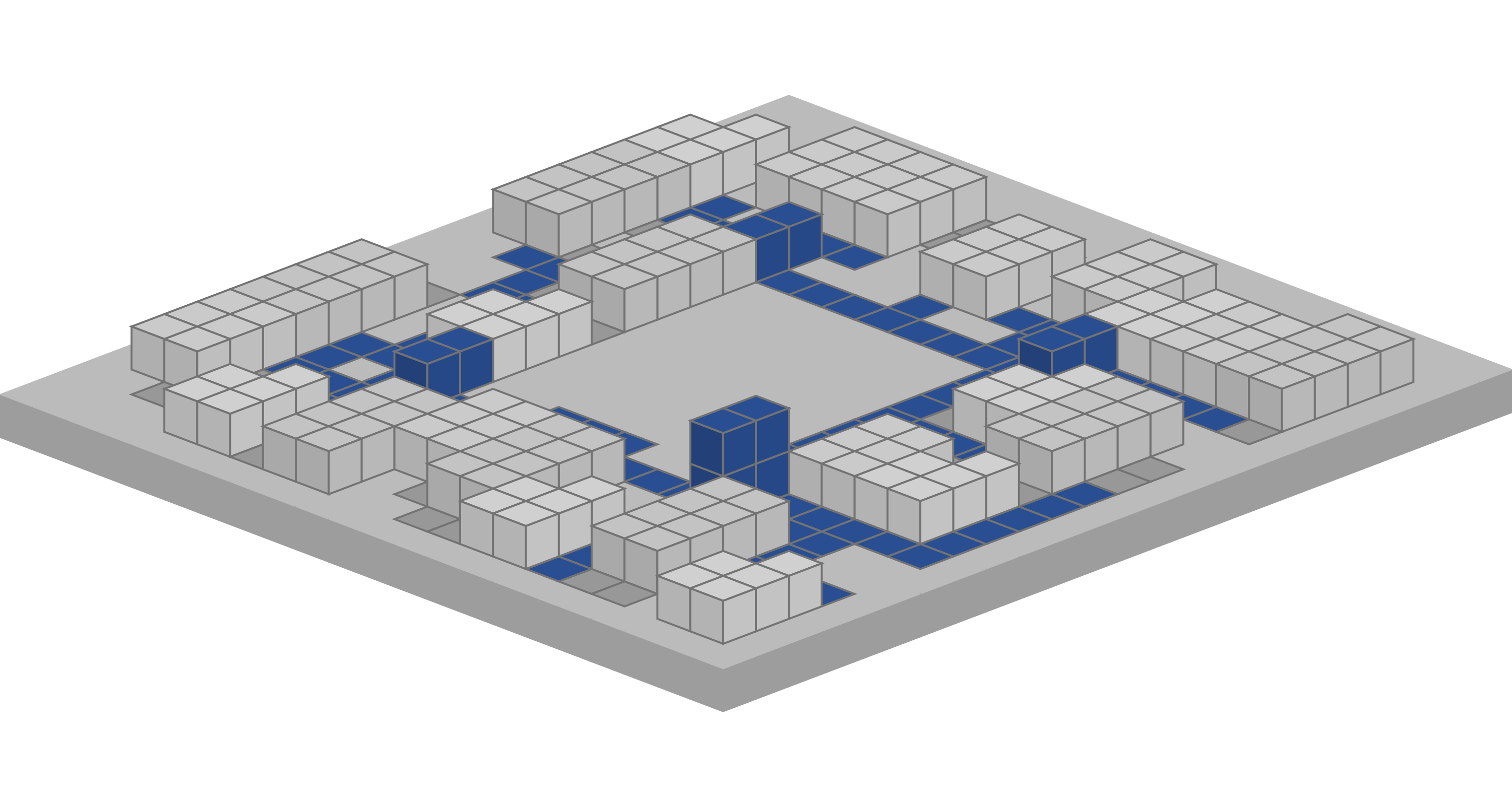
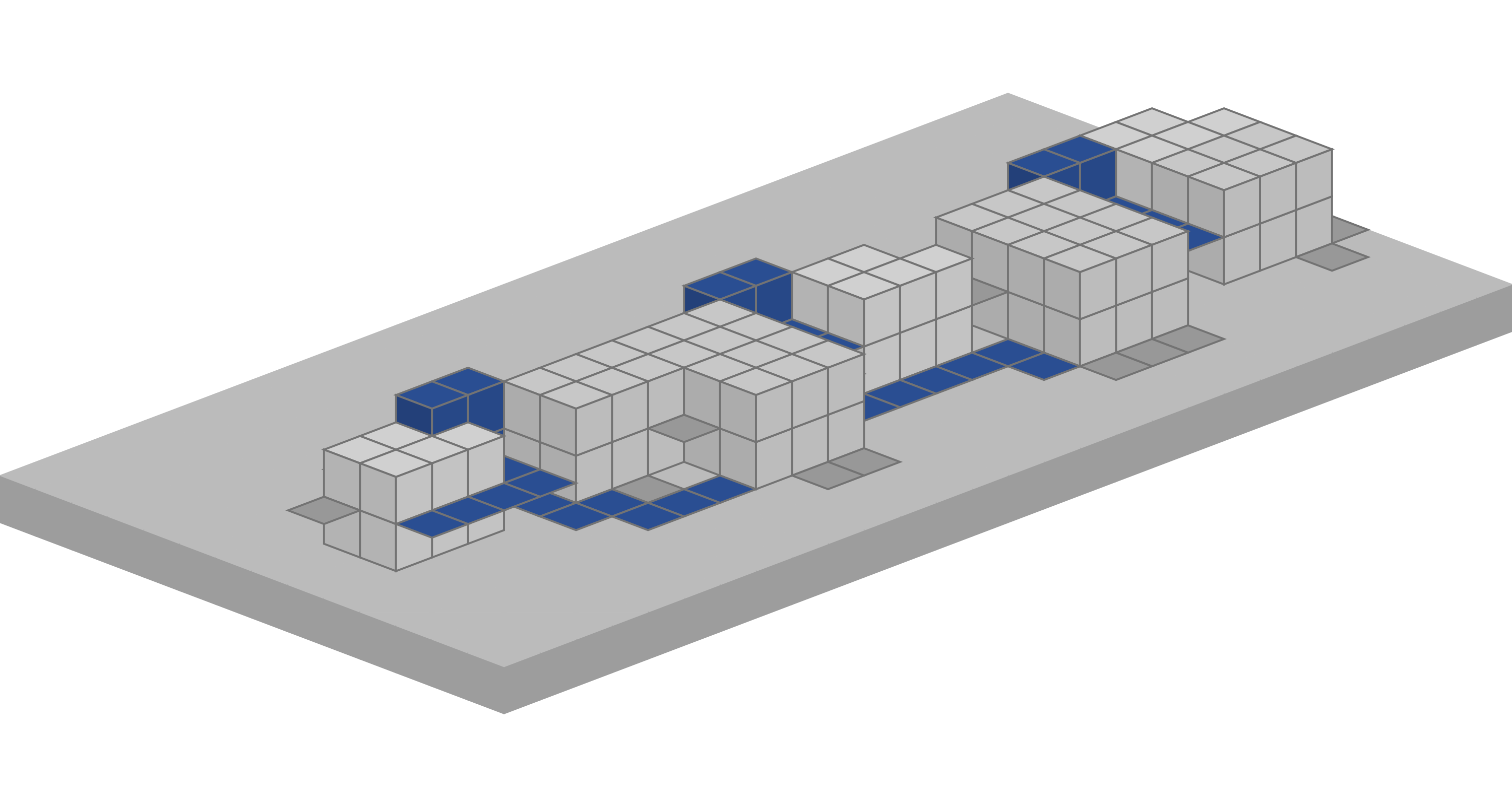
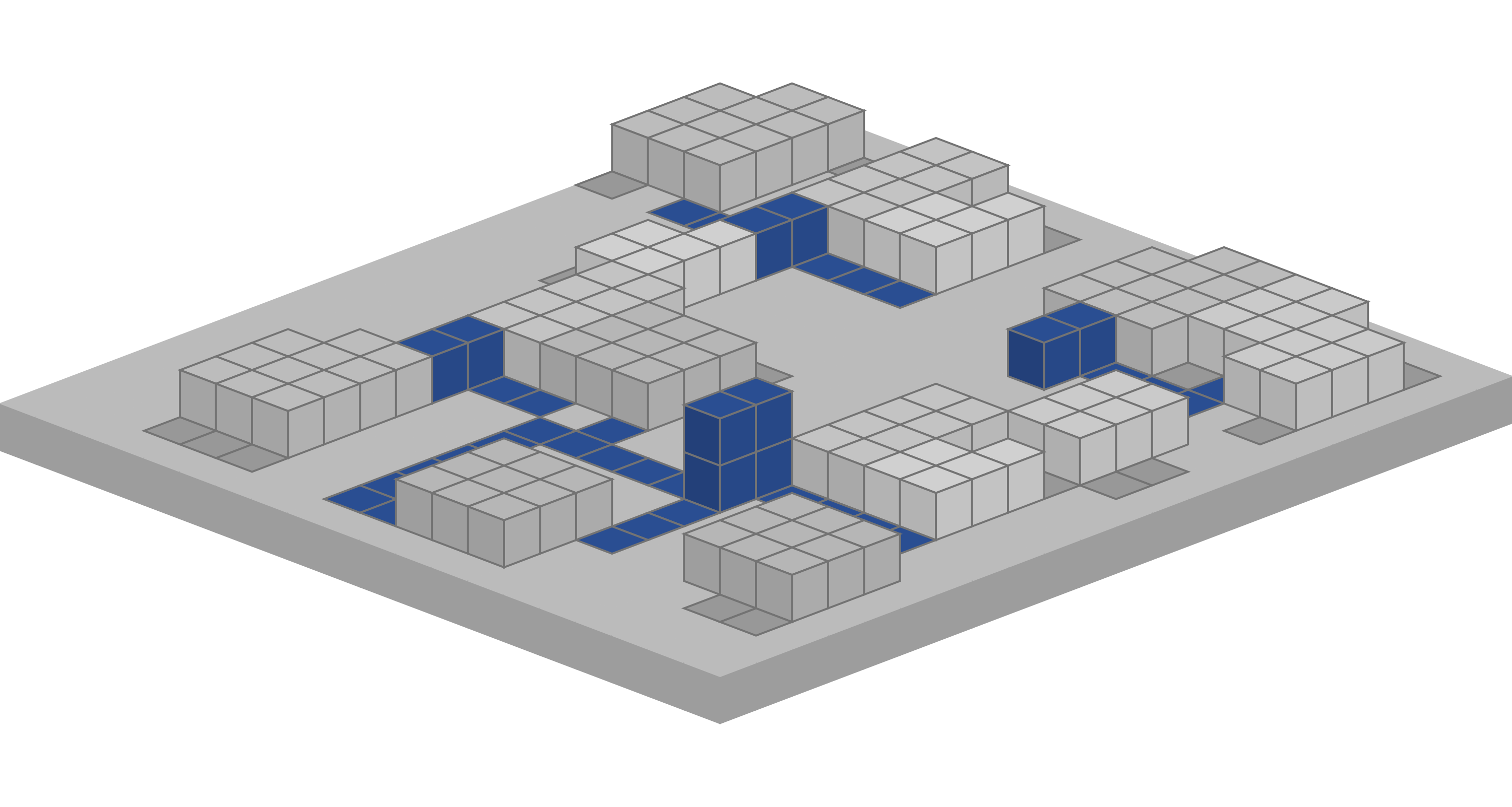
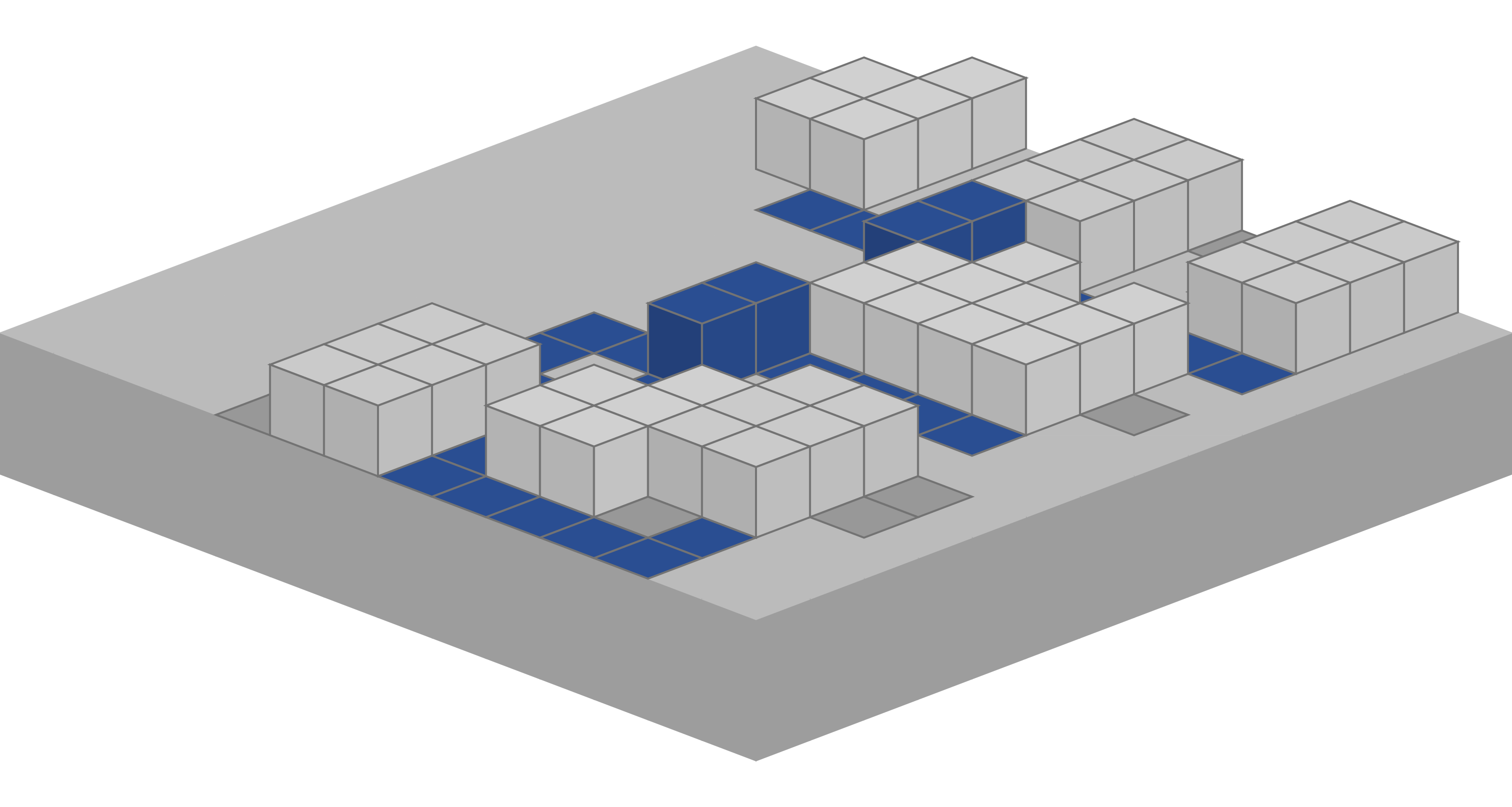
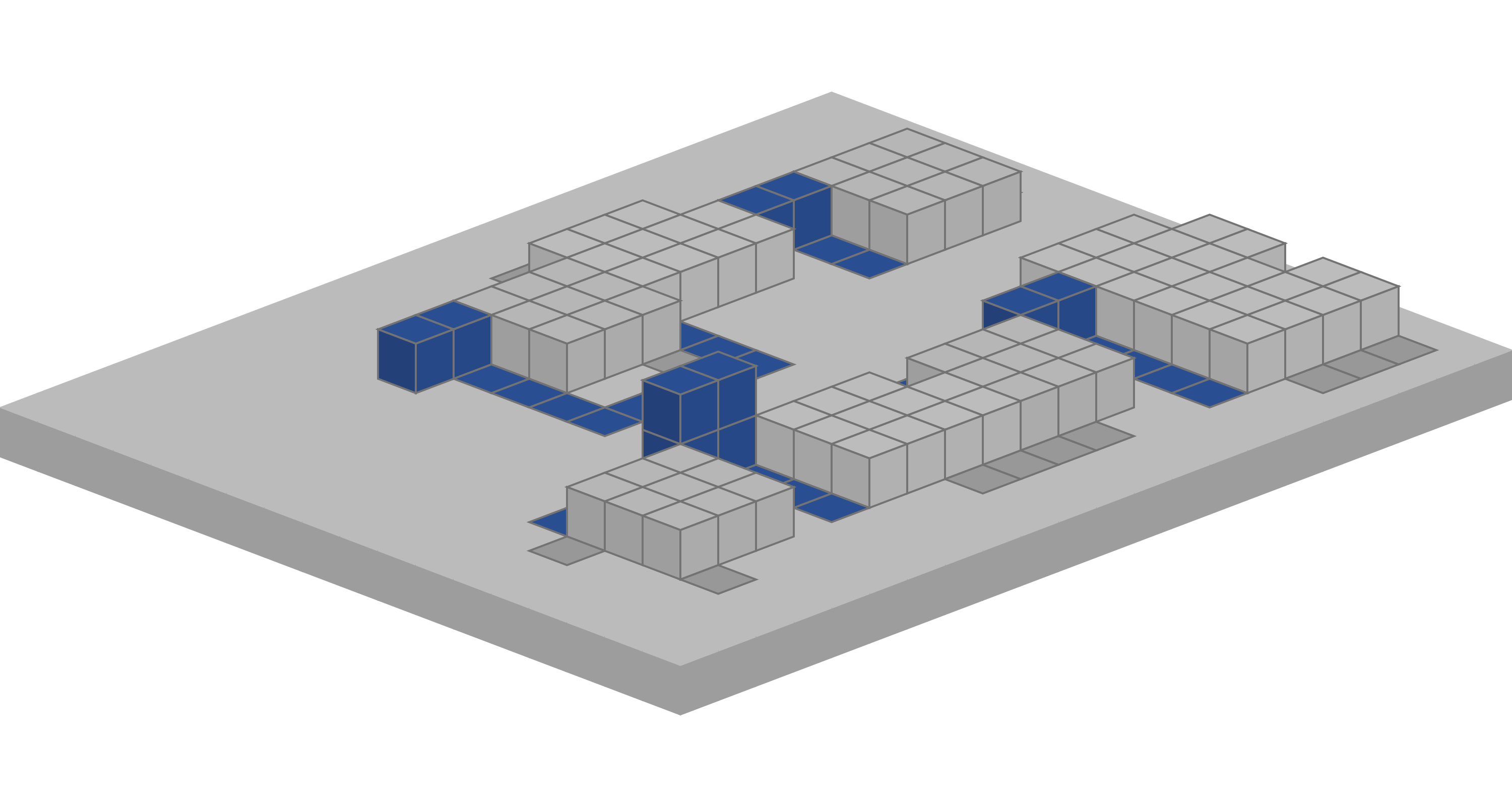
Pause. Change the field. Continue.
A separate six-home demonstration records a human edit to an active run. After two homes are placed, five cells are reserved and one home is locked. The branch continues around those decisions.
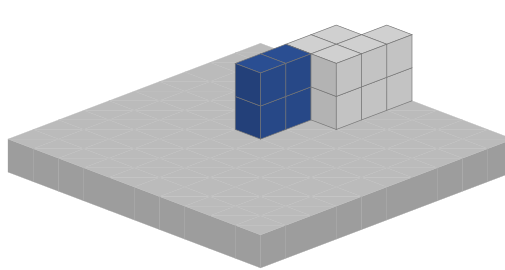
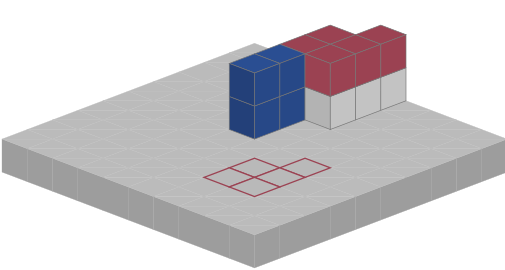
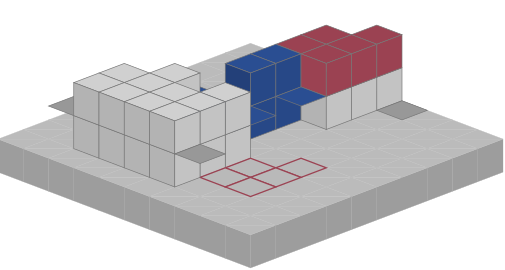
The reserved footprint is an input to this recorded synthetic run, not a built slab.
Read the same Shahrak model through different fields.
Eight analysis views show the same housing arrangement in its site context, with terrain, roads, planting and surrounding buildings. Change the field to compare the model's spatial and environmental calculations.
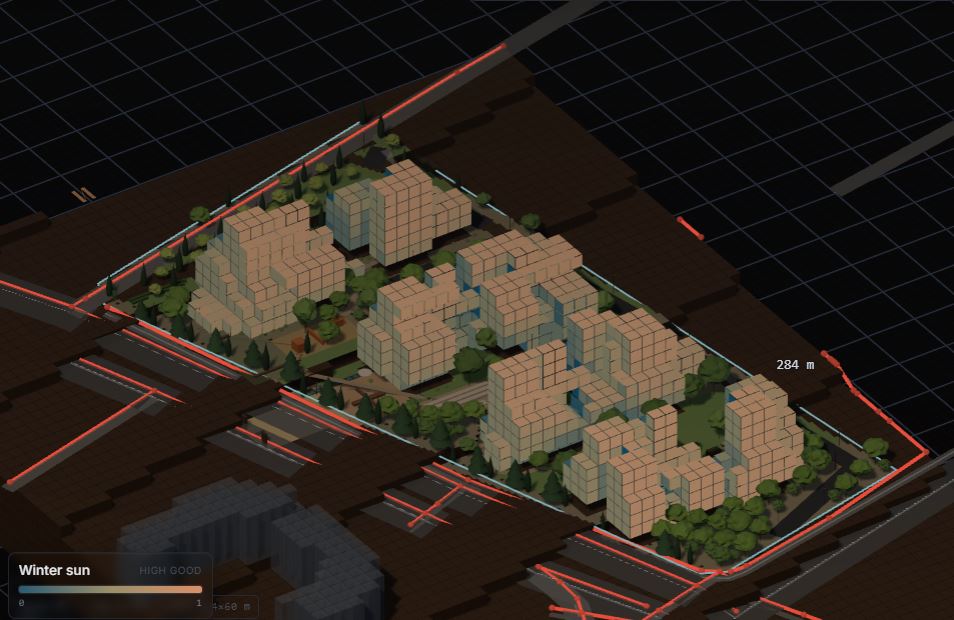
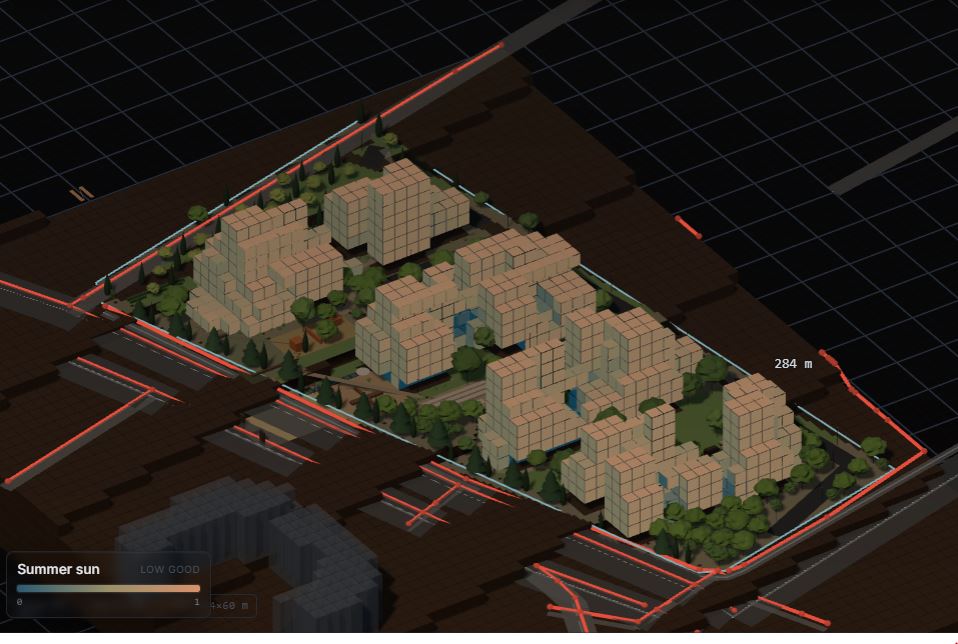
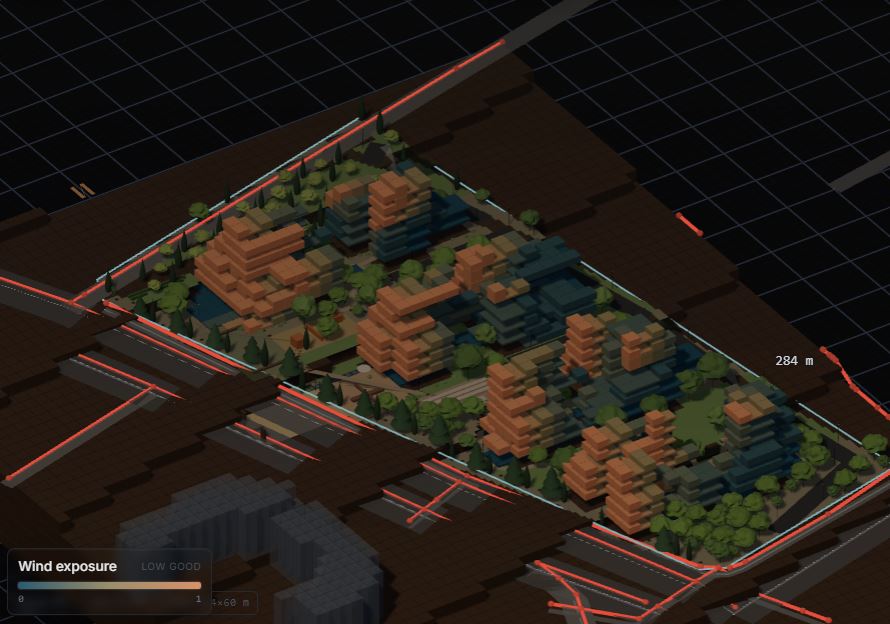
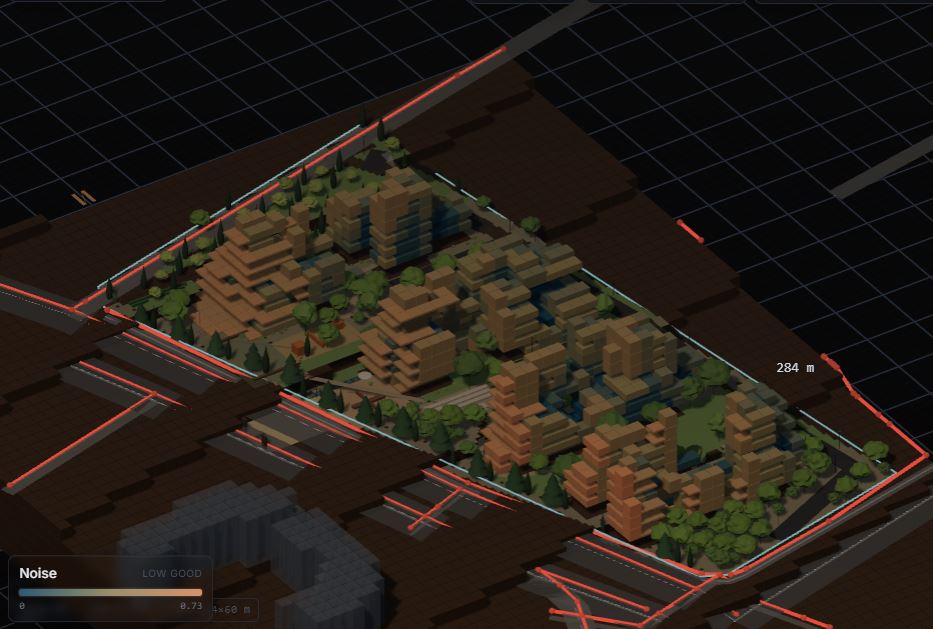
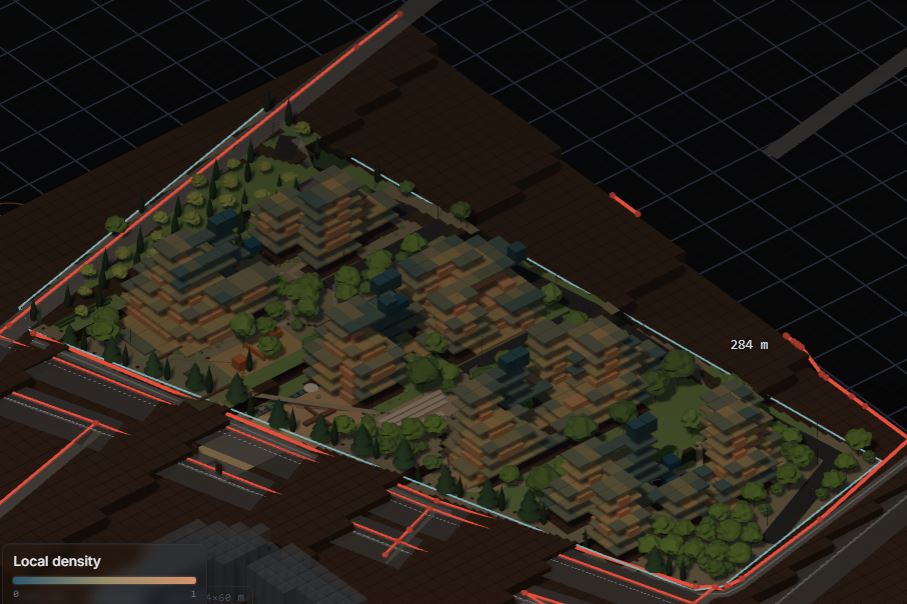
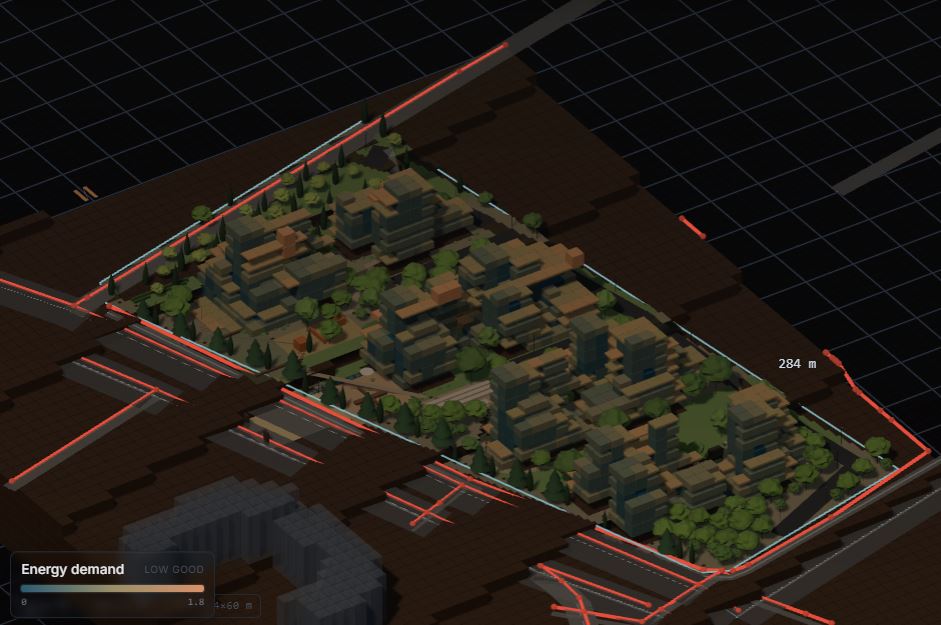
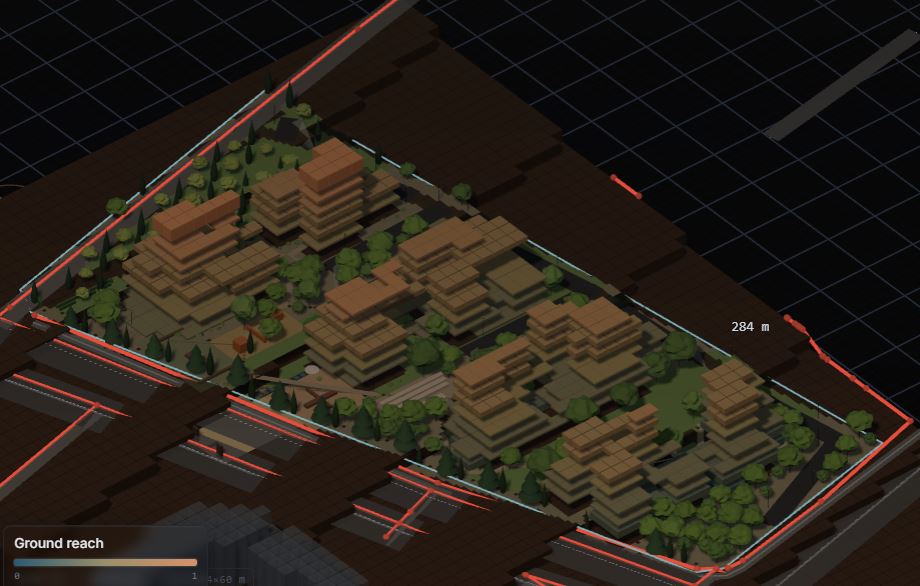
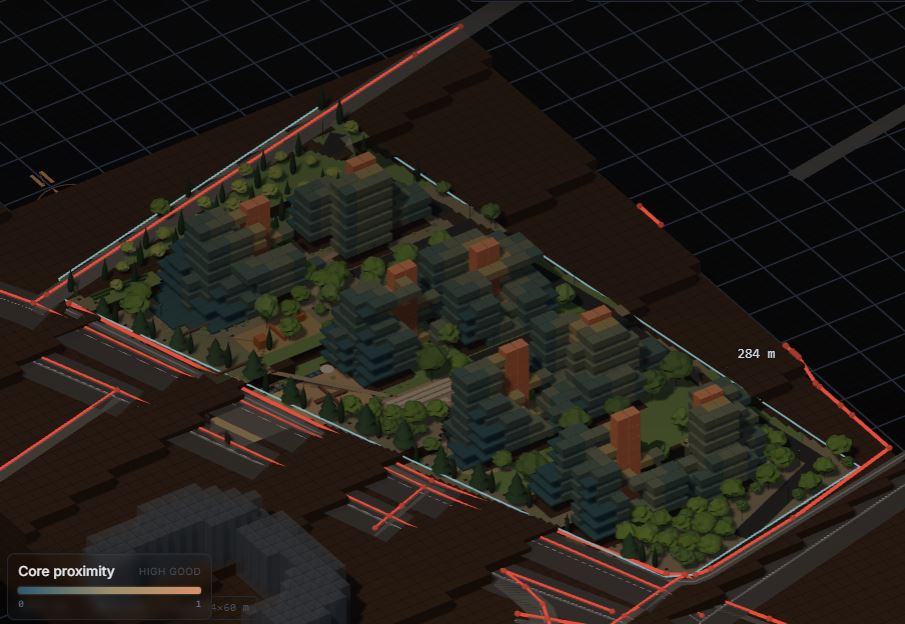
Ten recorded values across occupied homes.
Ten normalized fields describe the occupied home cells in the C01 model. Each axonometric uses the same arrangement and grid levels, making it possible to compare the fields across the neighbourhood.
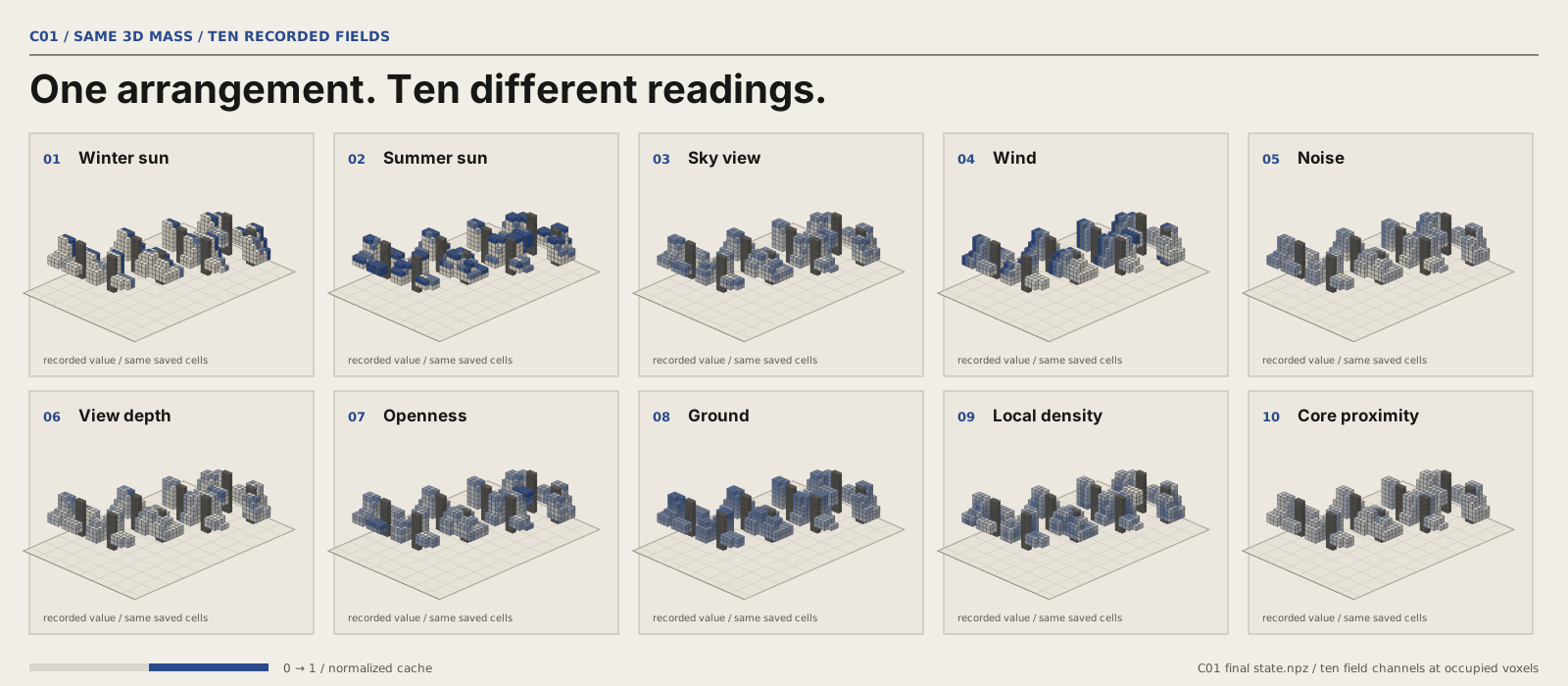
Colours show relative values within each calculated field.
The saved Shahrak case has more than a plan.
The 100-home Shahrak design is developed through site plans, sections and dwelling studies, moving between the neighbourhood and individual rooms.
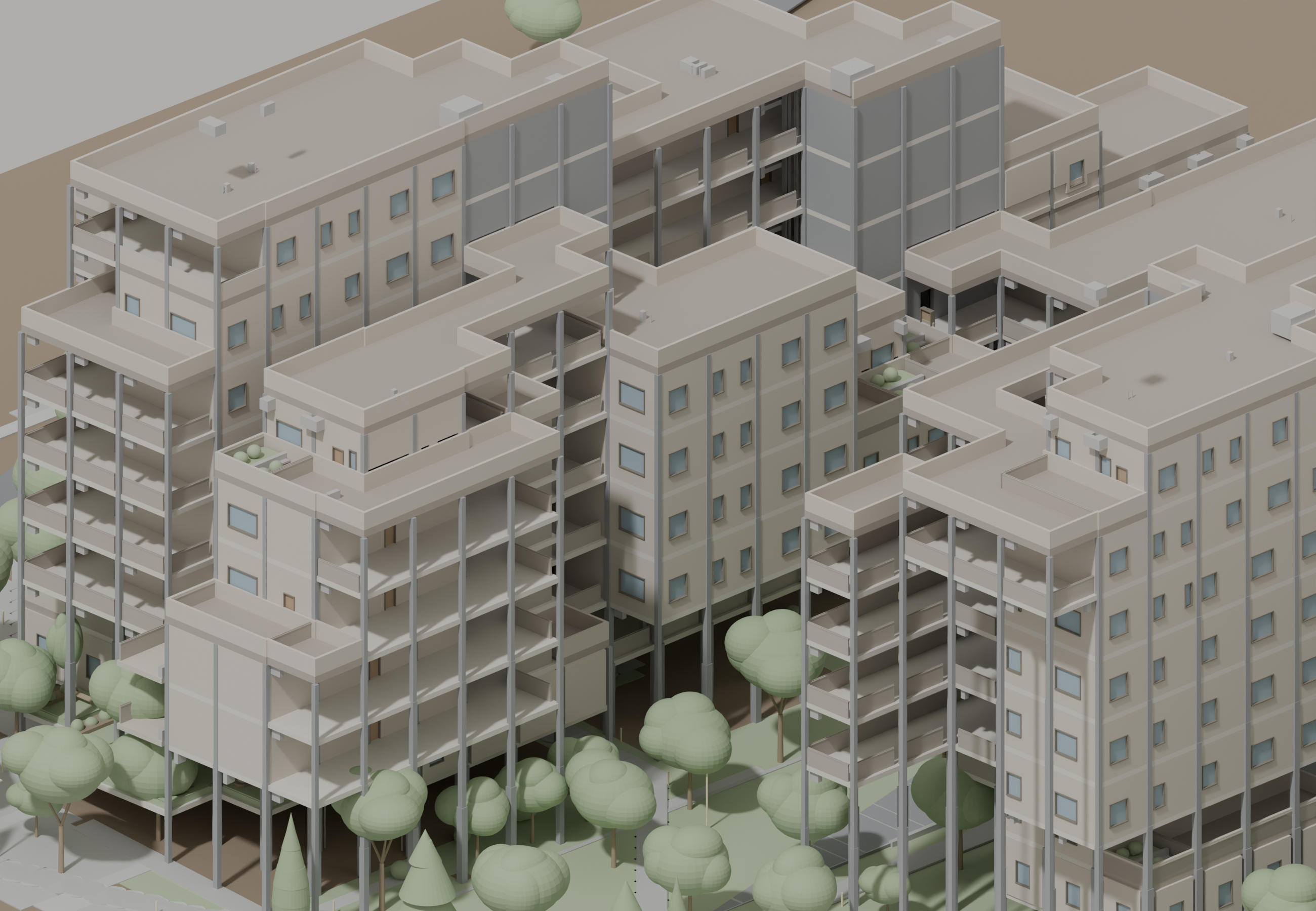
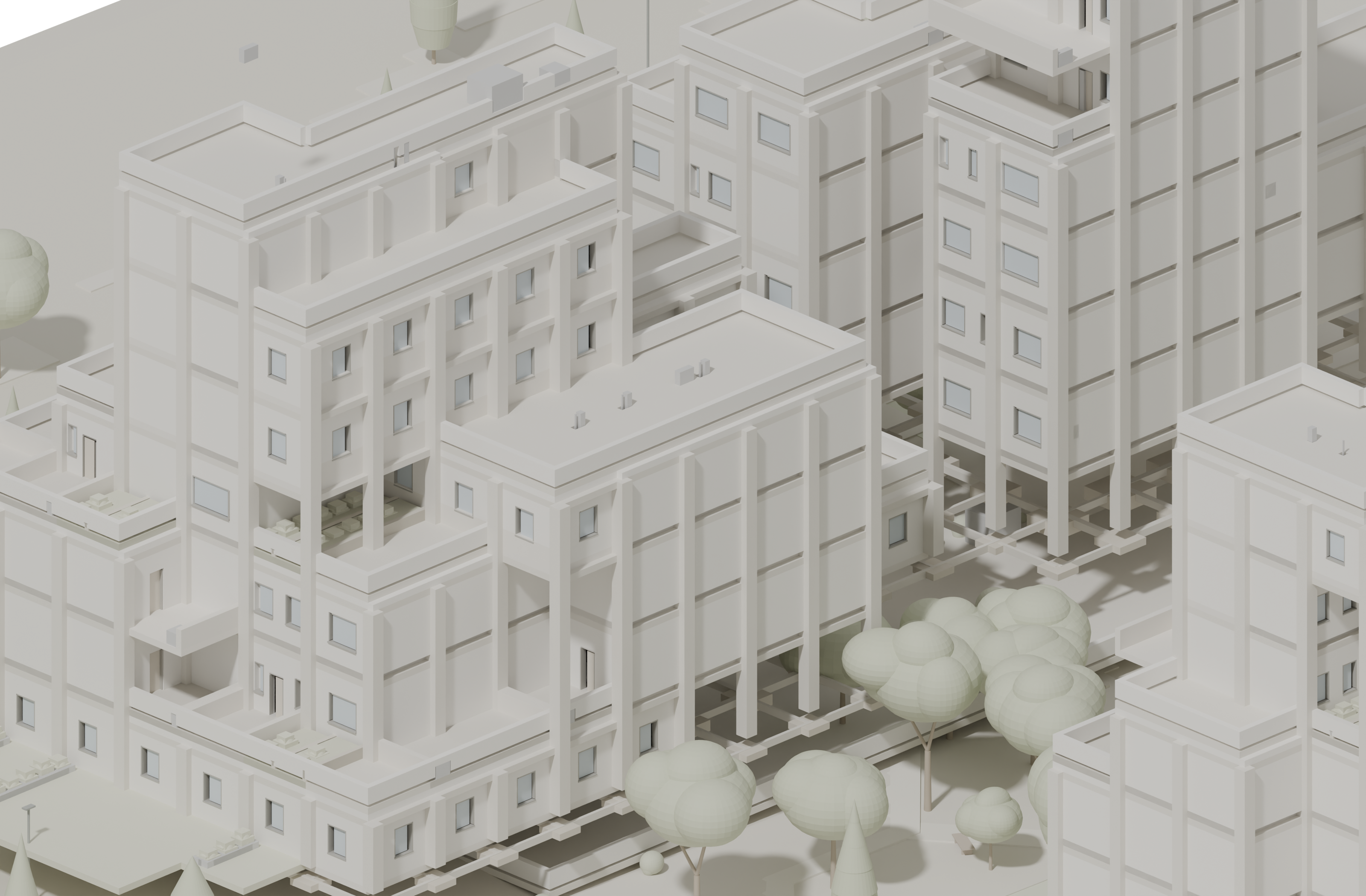
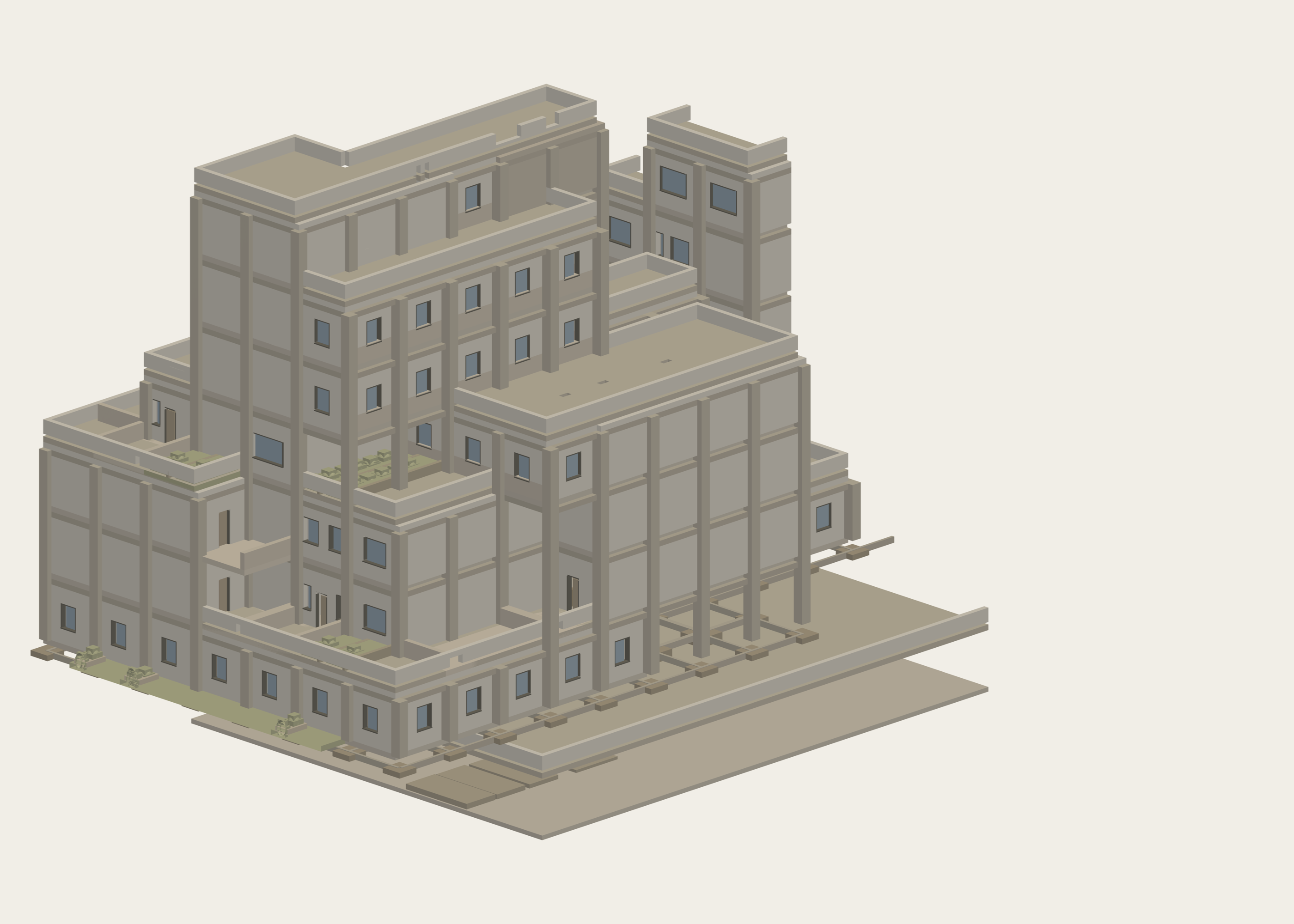
Ground, cores and services are part of the model.
The cut through the sloping site can be read alongside a residential core, ground assembly and service network. These are separate saved model and drawing records of the Shahrak design.
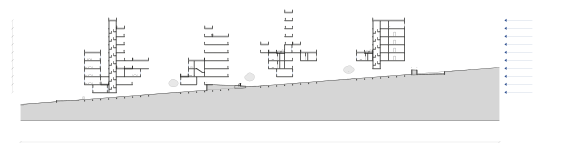
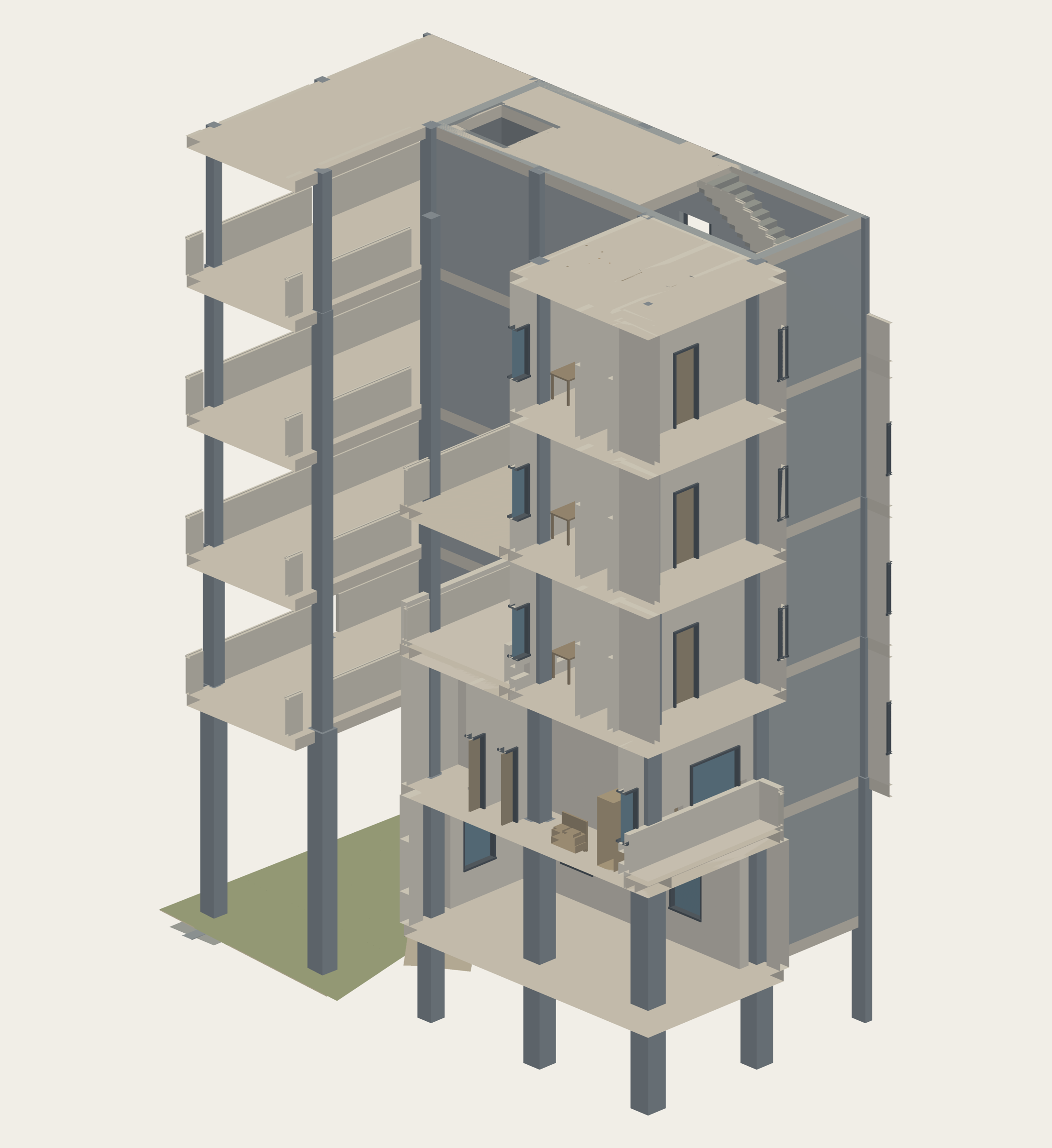
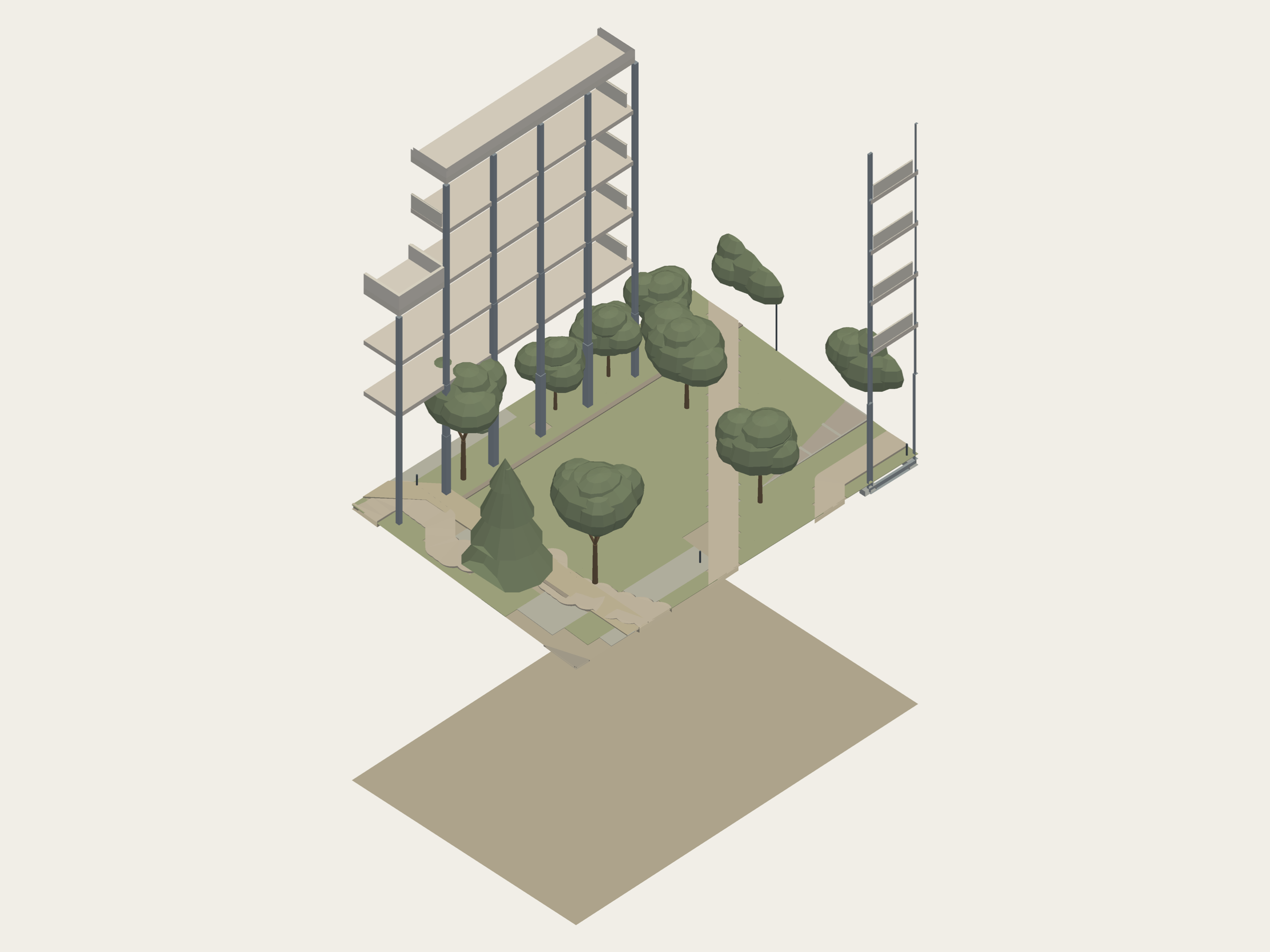
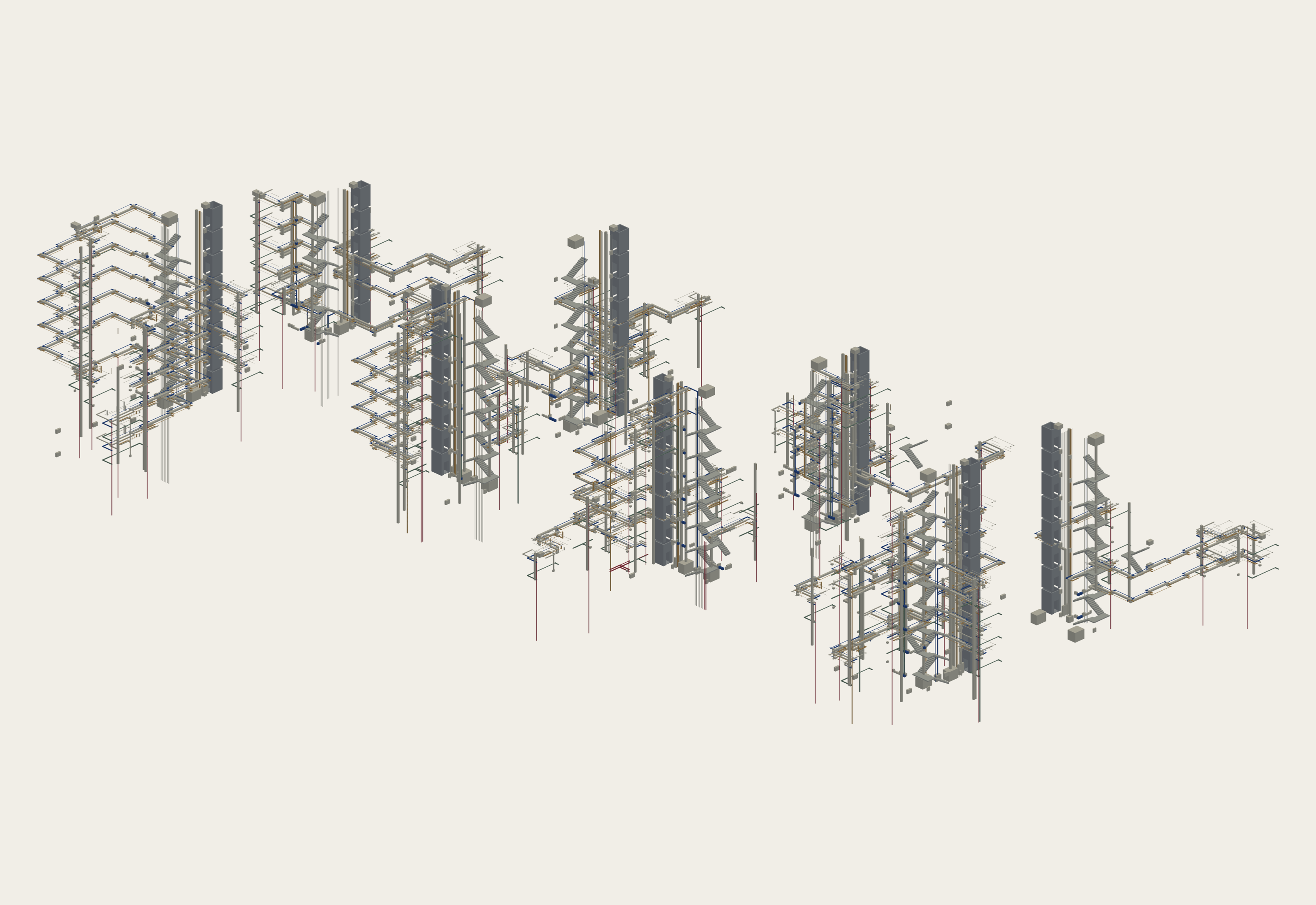
Where the buildings meet the site.
The registered masterplan and arrival drawing are technical records of the same saved case. They sit at a smaller reading scale, alongside the model views.
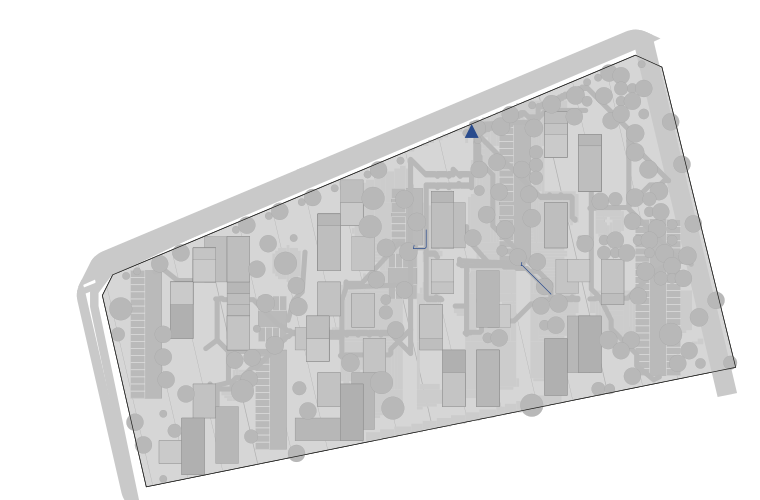
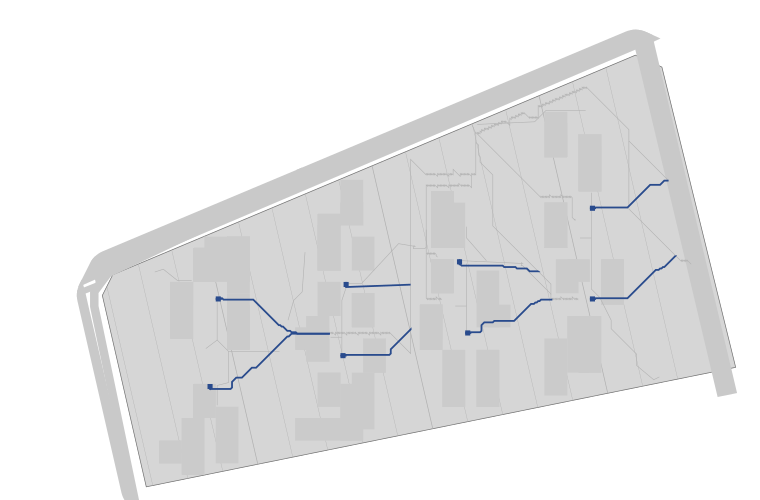
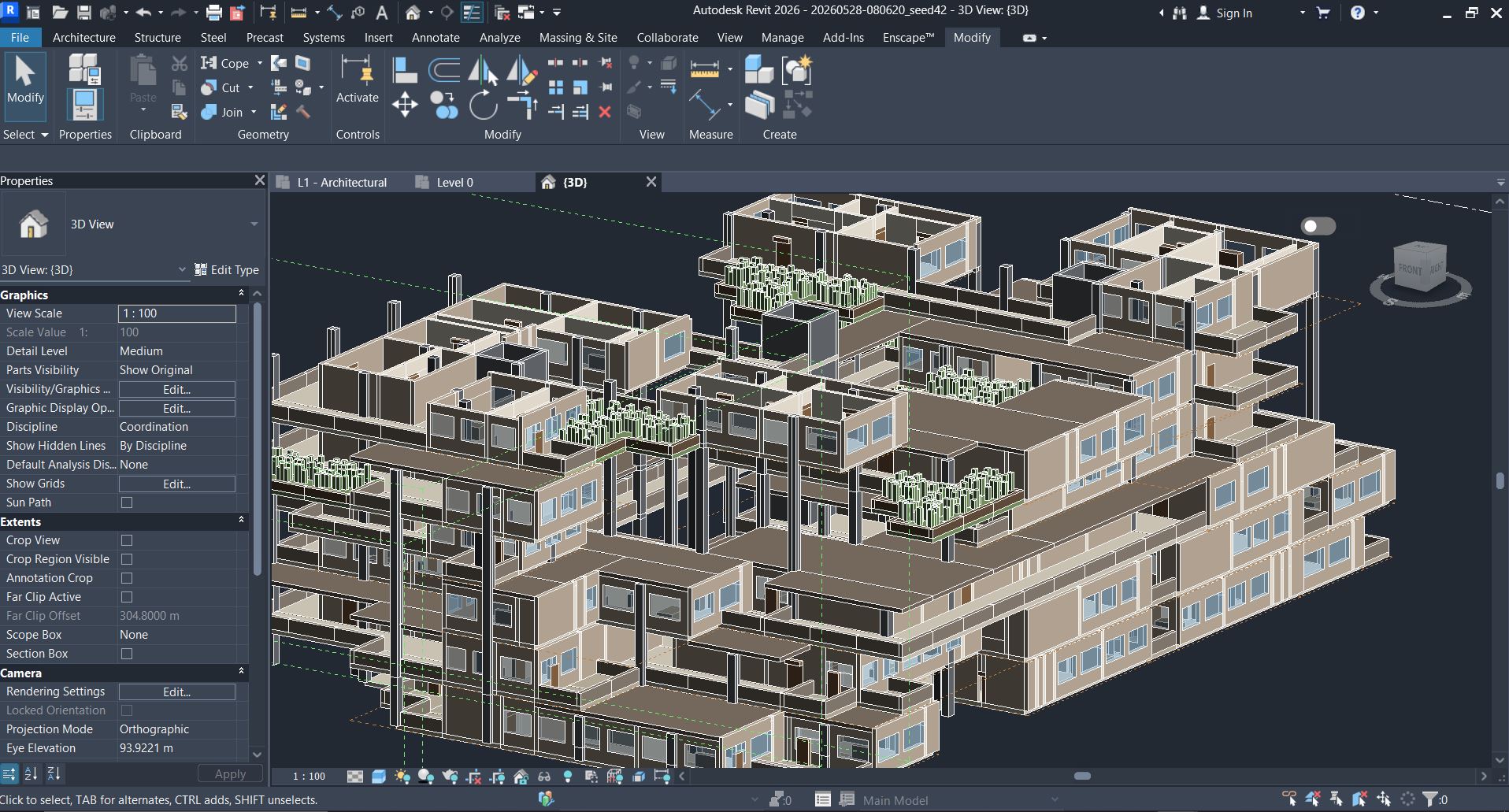
The housing was developed beyond the app view.
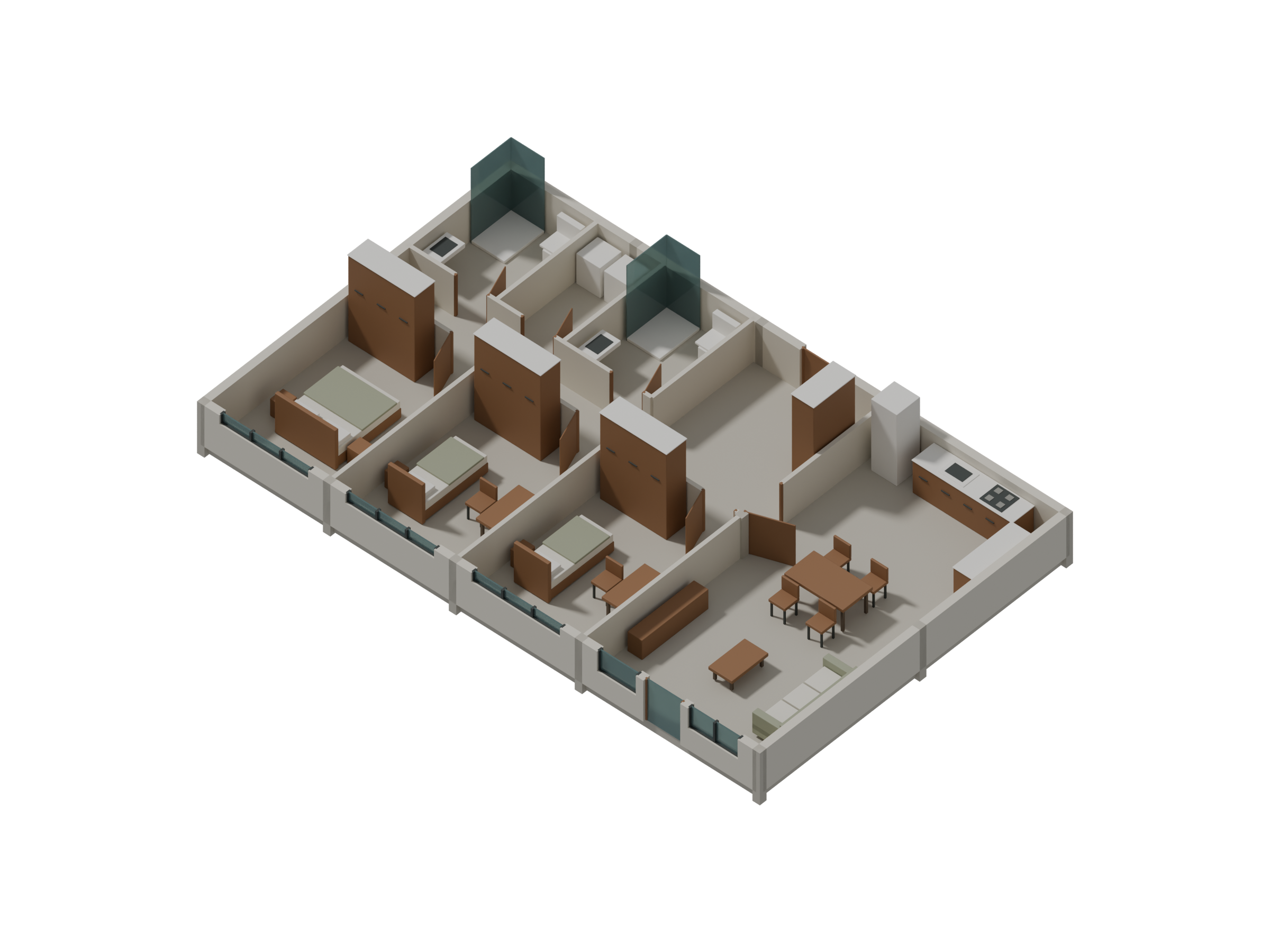
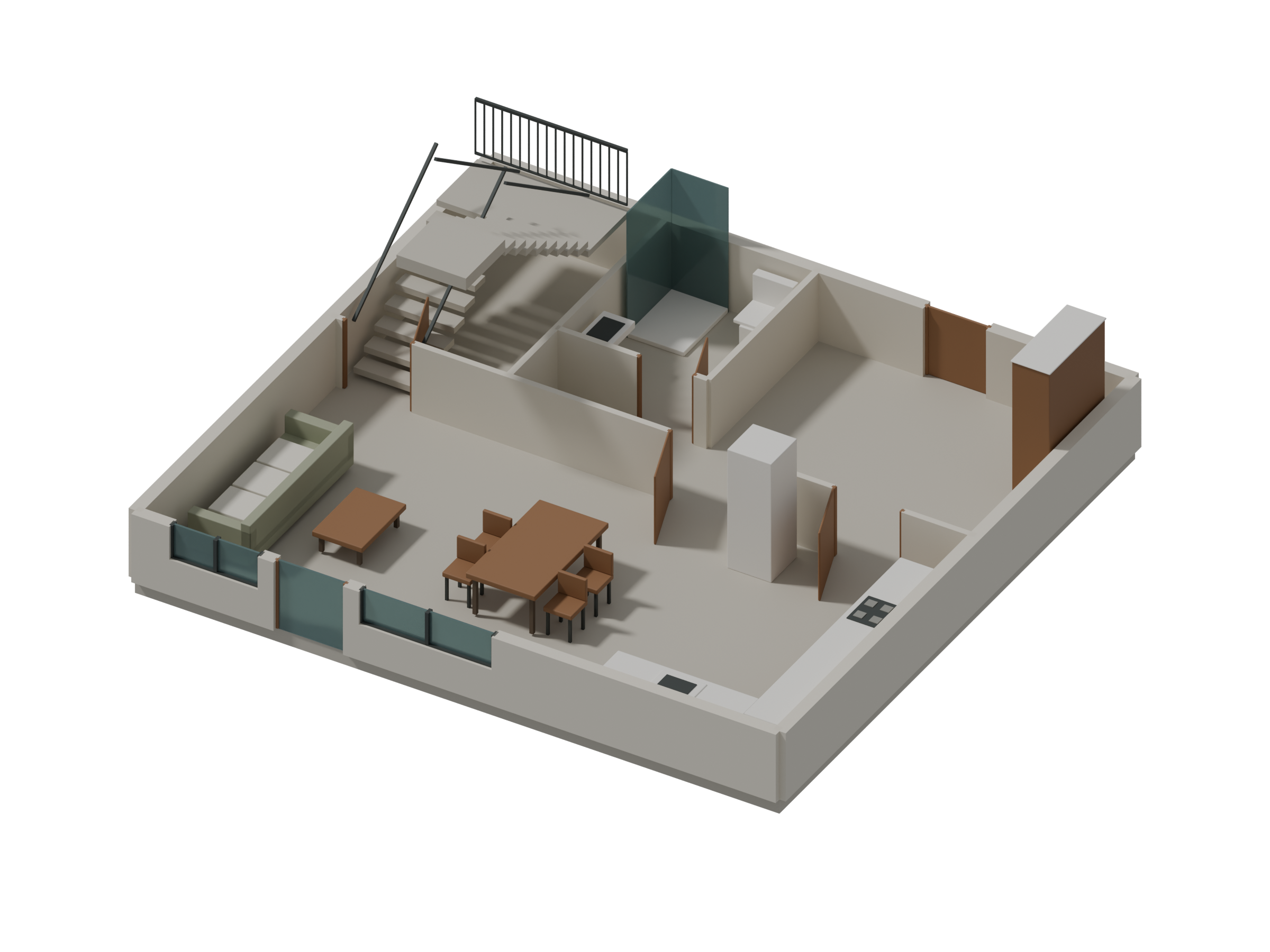
The Design 5 housing model develops rooms, shared decks, windows and planted terraces in Revit.
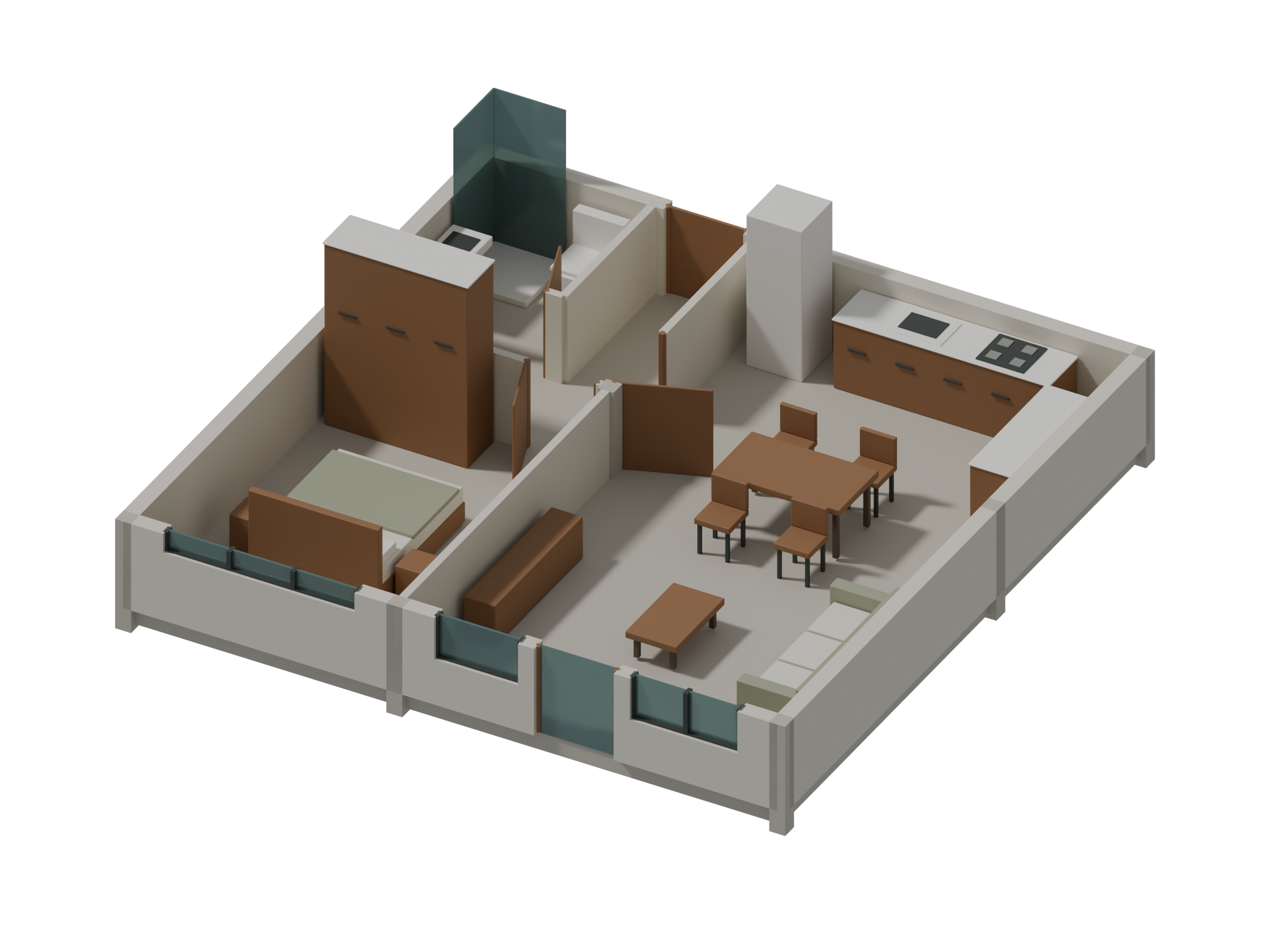
Look inside the rooms.
These later dwelling studies develop the interior layouts, with walls, glazing, fittings and furniture shown in cutaway.
A numbered dwelling in plan.
This earlier C01 export records dwelling U000 on level 10. Its 8 × 8 m footprint and room areas belong to this saved plan; the modeled cutaways above are separate studies.
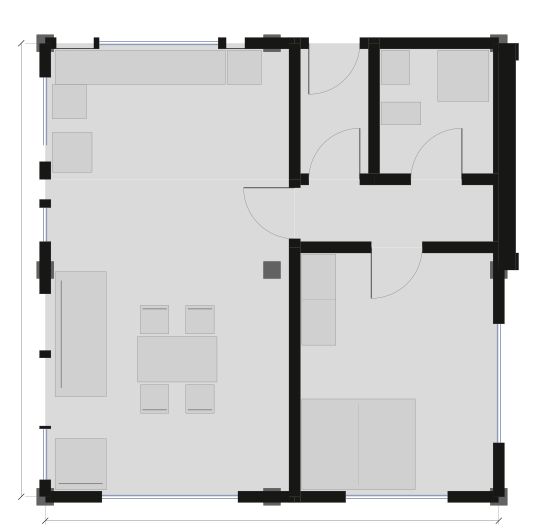
- Living / dining 22.6 m²
- Kitchen 9.2 m²
- Hall 3.4 m²
- Primary bedroom 14.3 m²
- Foyer 2.6 m²
- Bath / laundry 4.4 m²
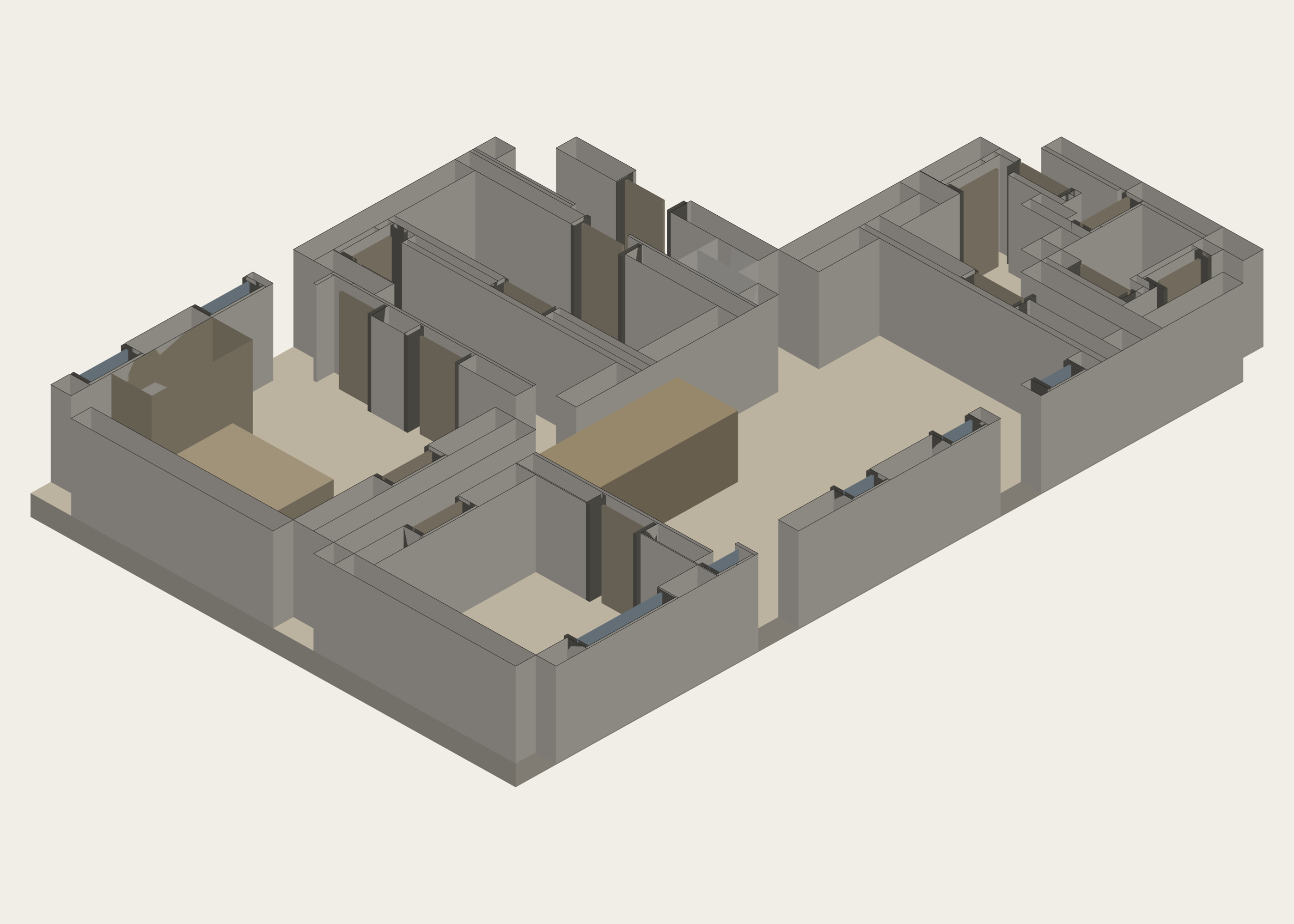
Six different room organizations at one glance.
These six native unit exports belong to the earlier C01 run. They are shown together so the changes in room shape and edge can be compared without repeating a large cutaway six times.
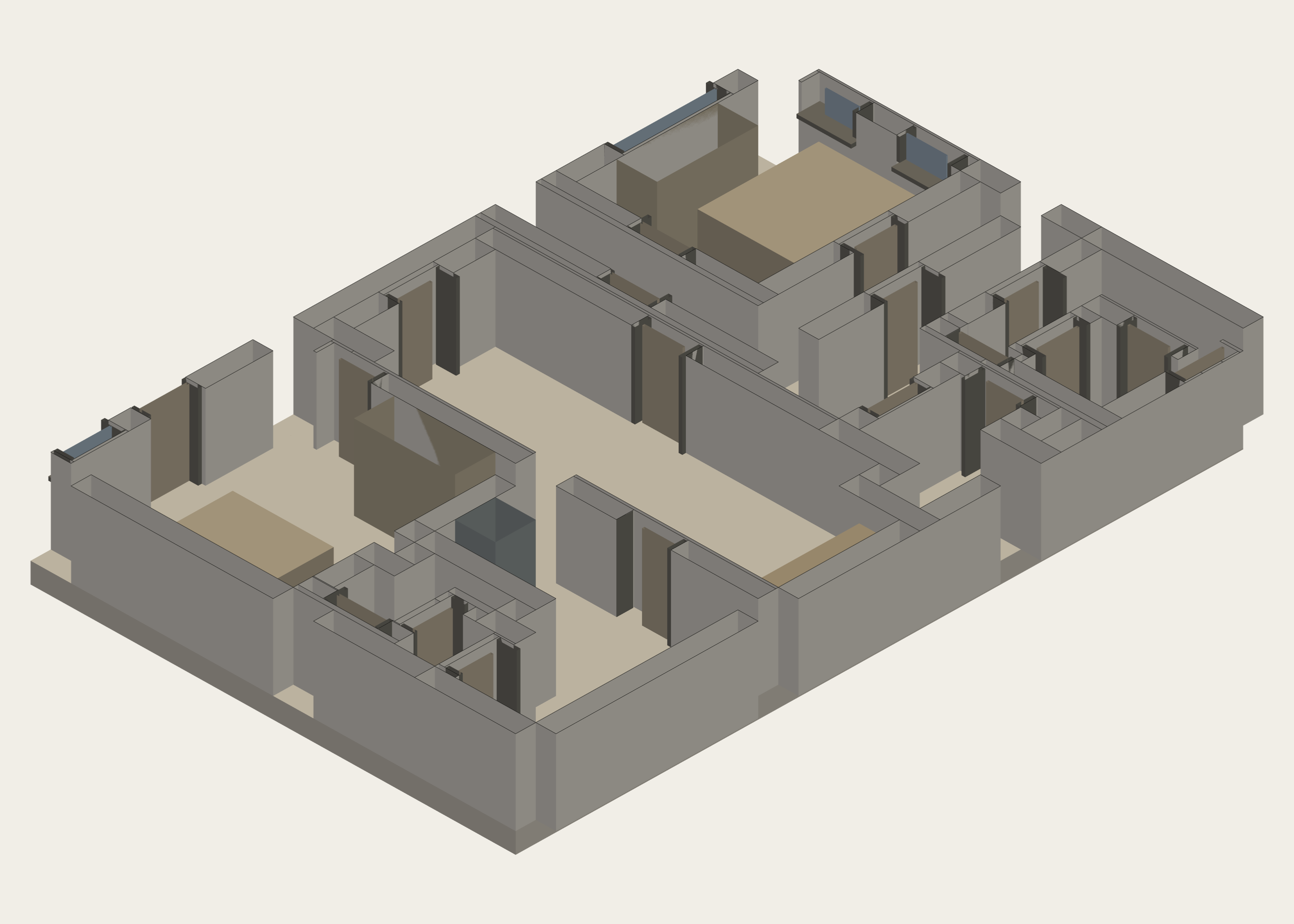
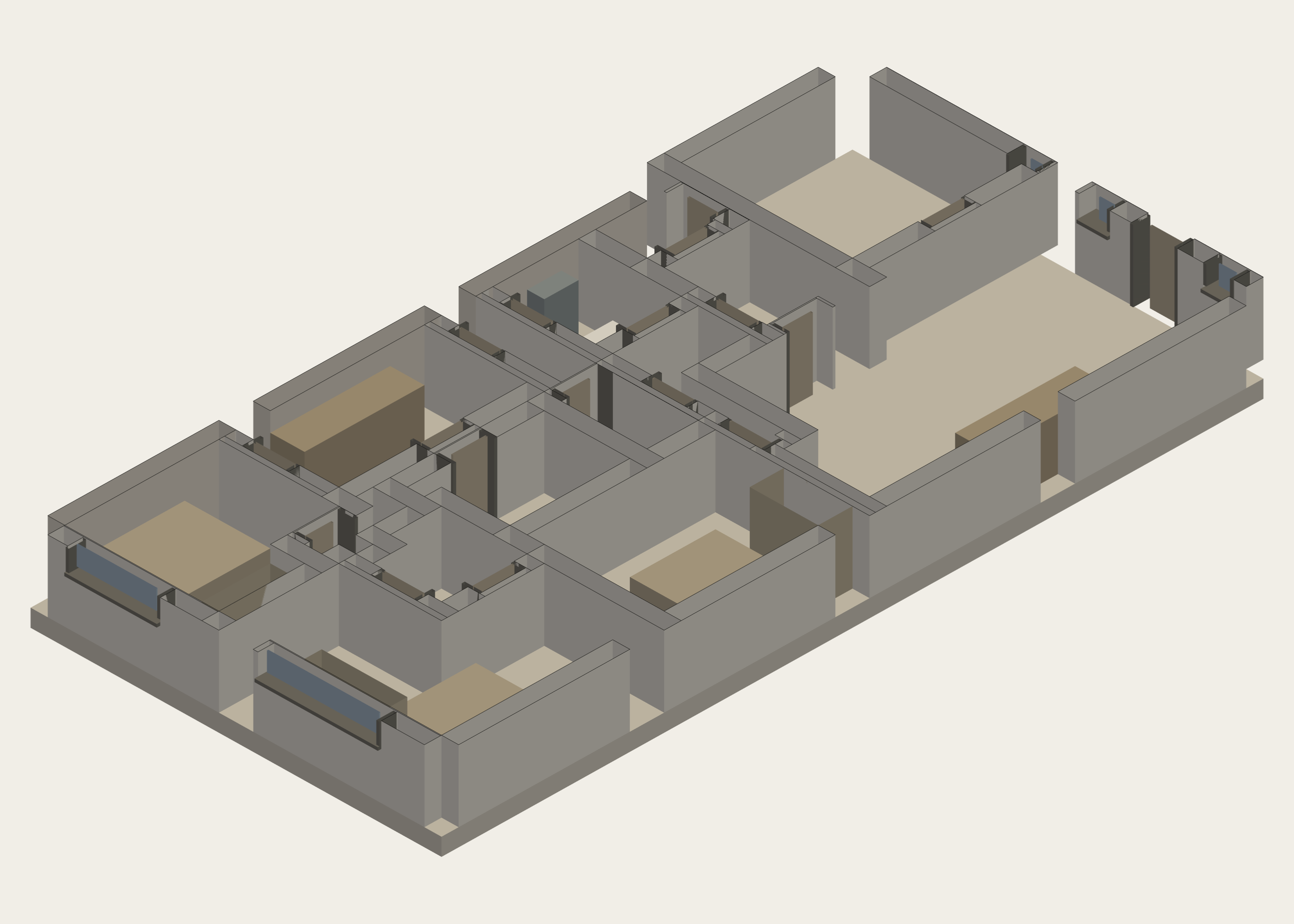
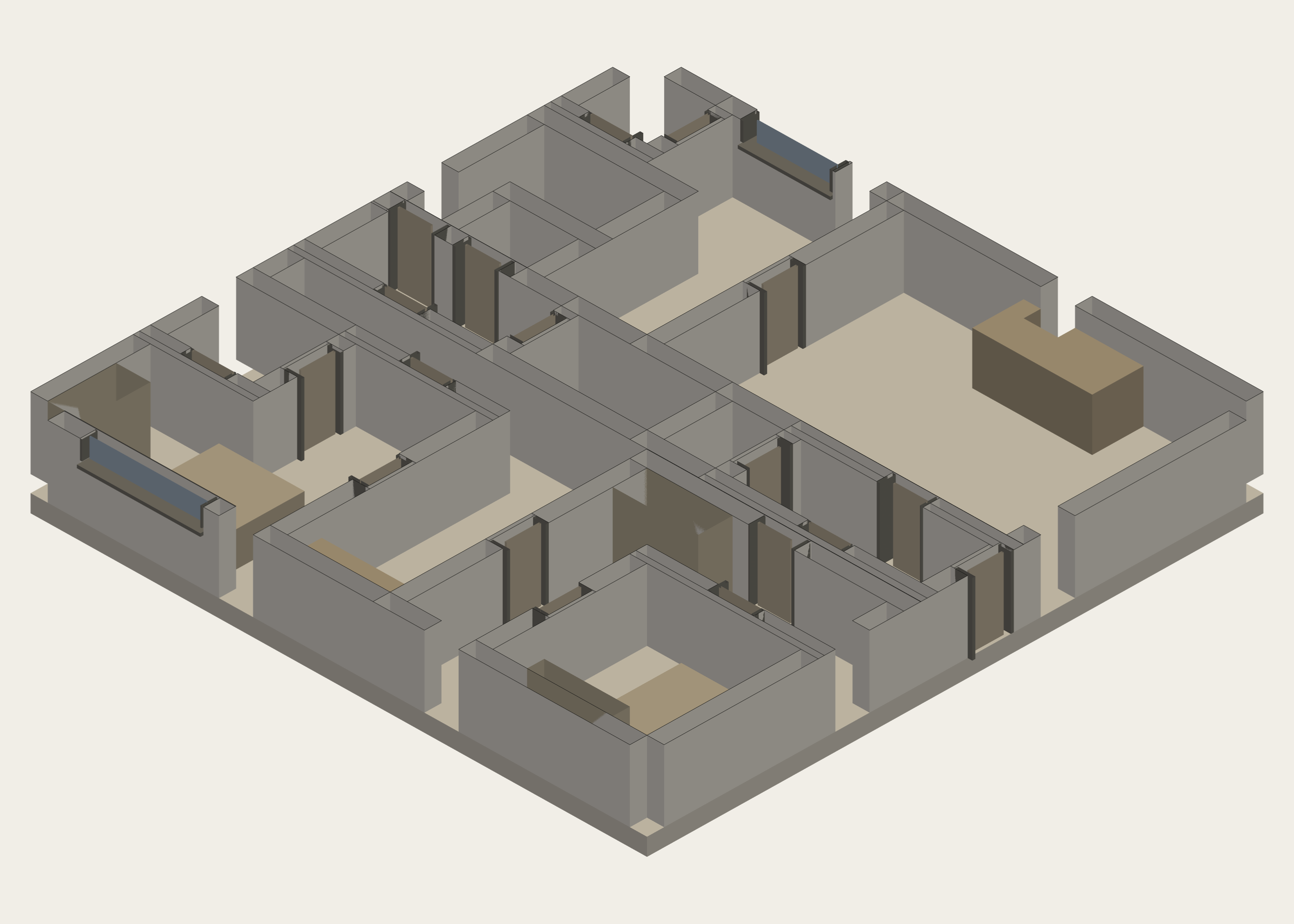
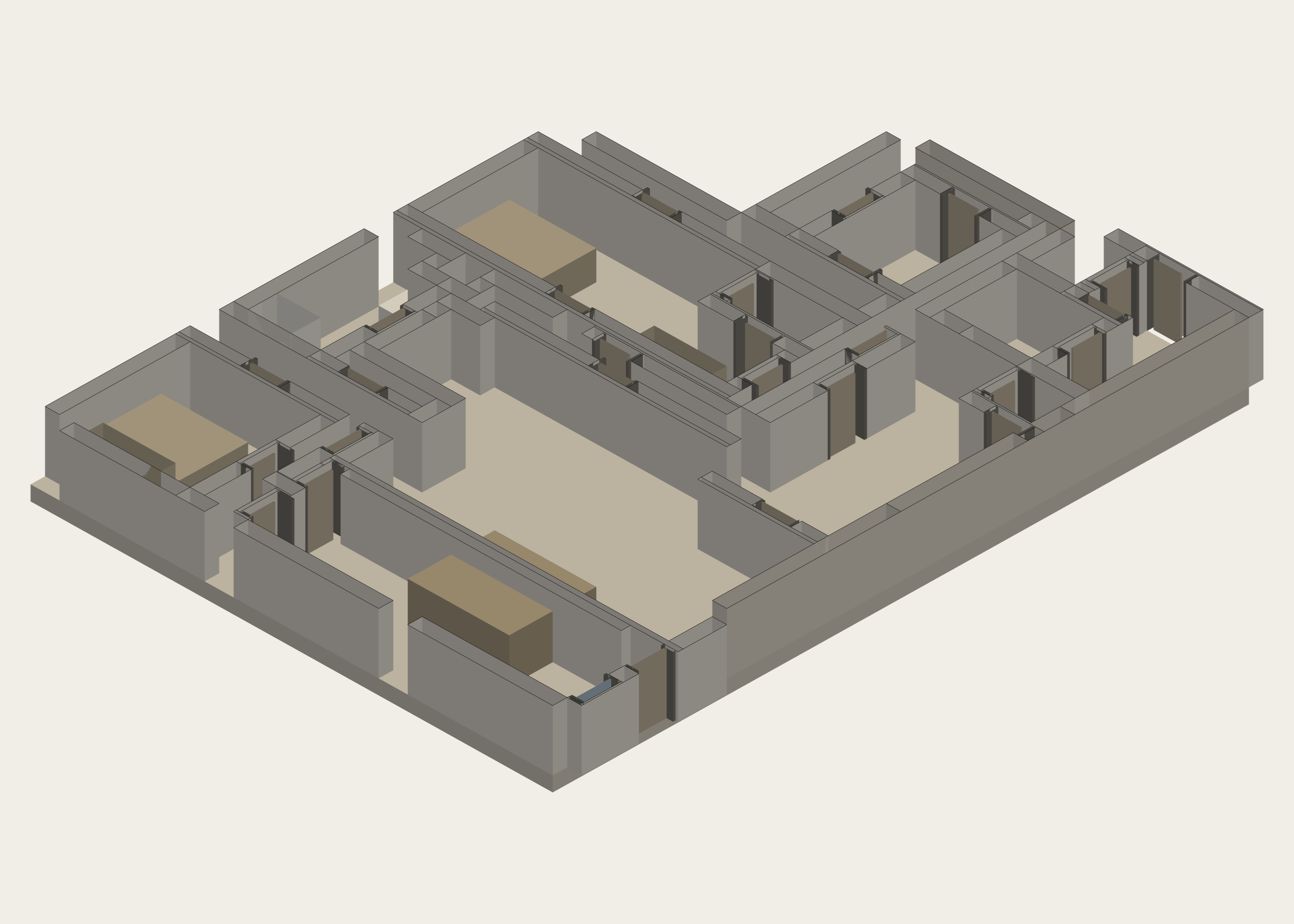
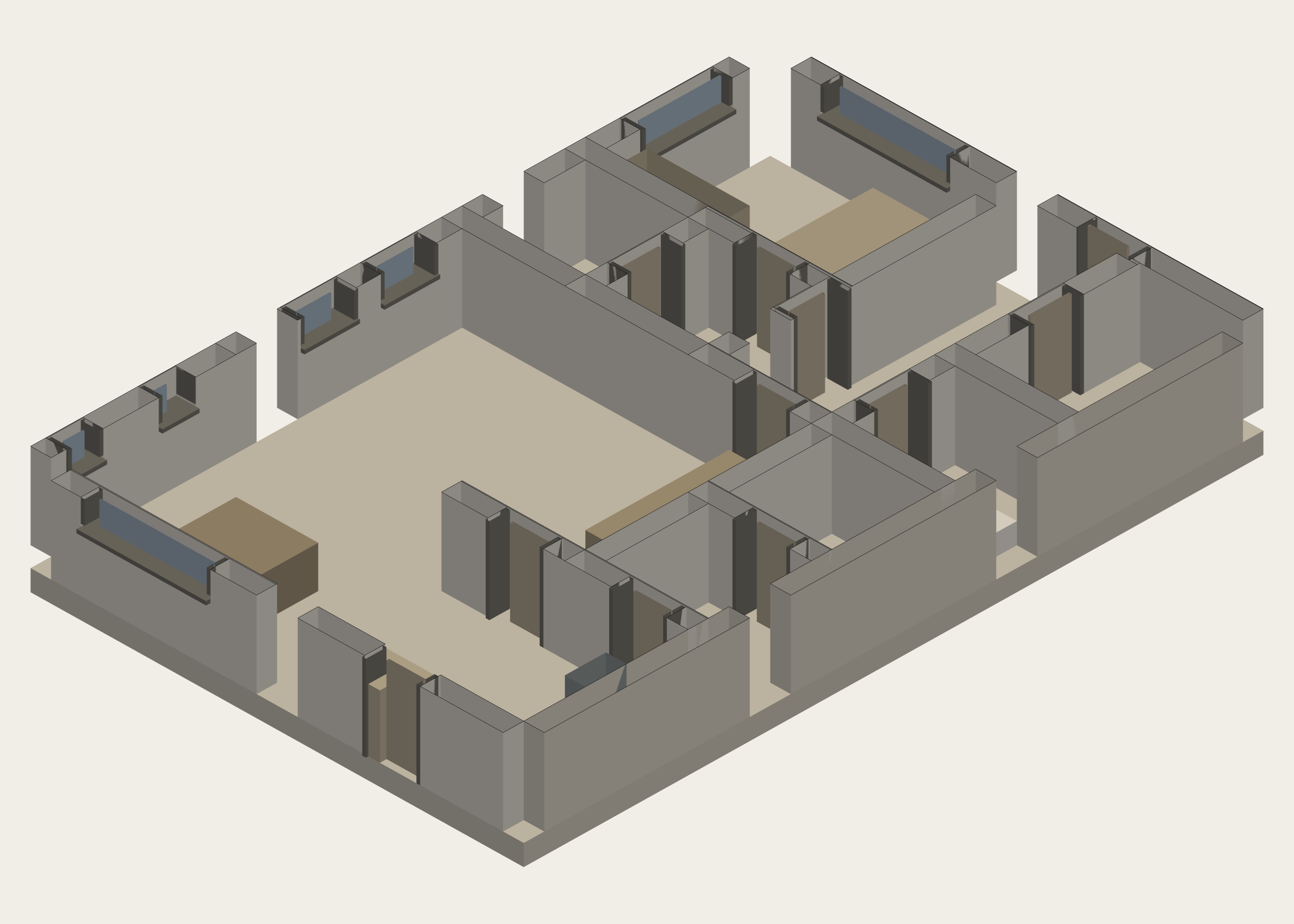
Six representations of one unit.
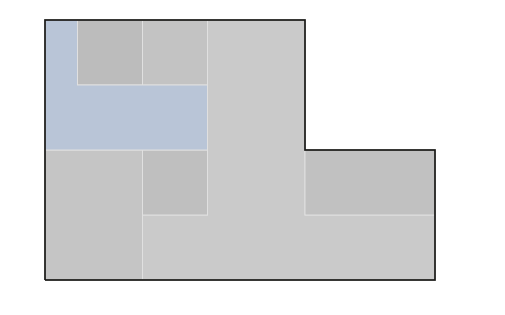
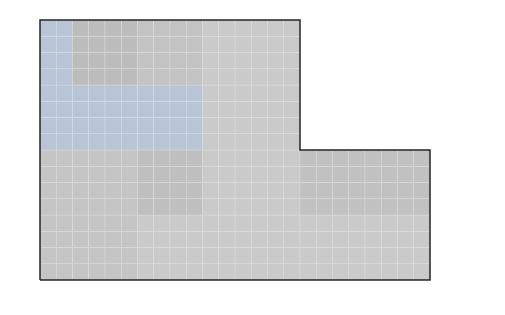
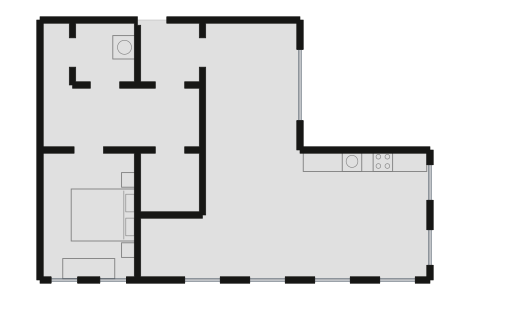
This separate synthetic specimen follows household 005 through the plan engine. The room programme, solver result, raster and emitted walls are different records, shown one at a time.
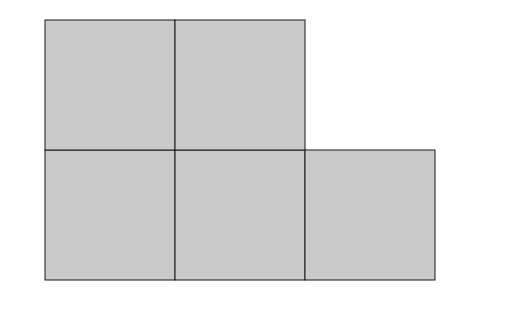
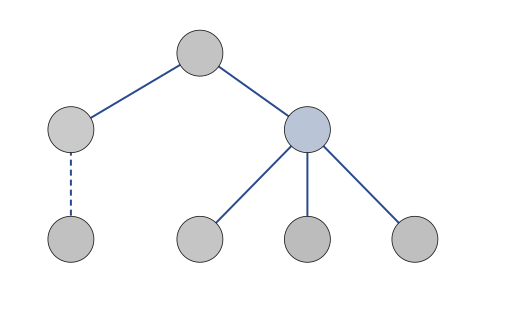
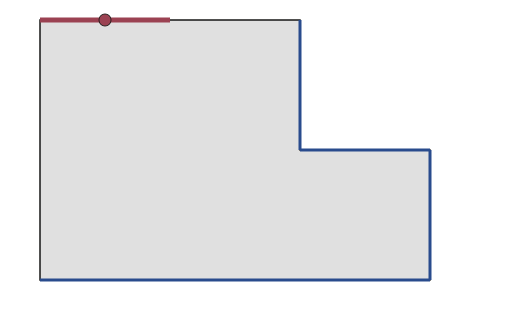
Frame, floor, enclosure, join.
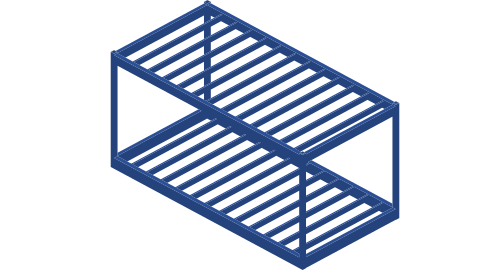
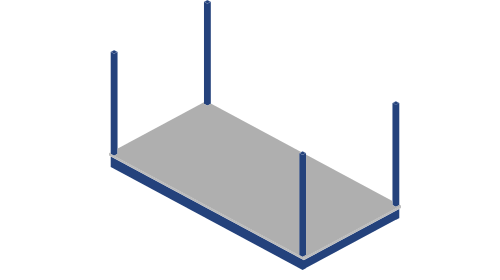
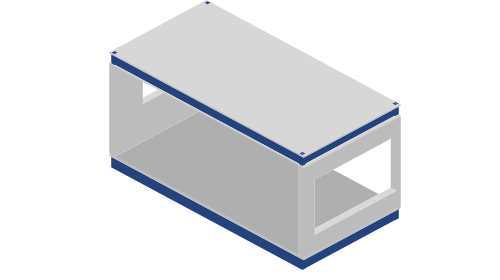
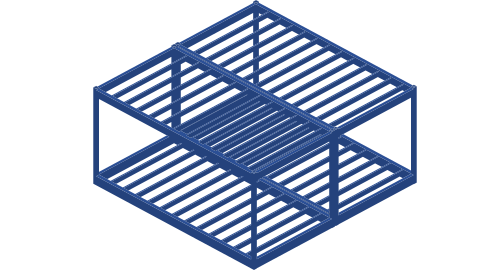
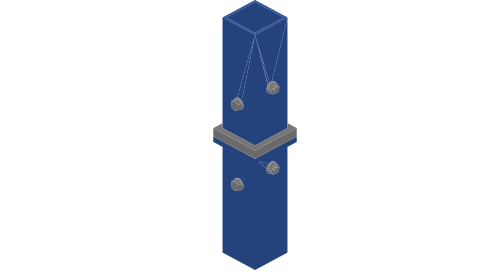
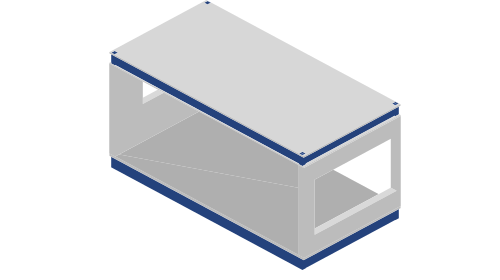
The C04 assembly study separates the module into frame, floor, enclosure and connections.